References
Up to four person, product, or scene images to shape the hero frame.
Pick references, upload MP3 or WAV speech, optional style, generate a concept hero frame, then render a lip-synced 9:16 or 16:9 reel in the background queue.
Preset preview
Concept → storyboard panels → cinematic reel. Same studio workflow as every AI Reels preset.
Reference-driven storyboards tuned for this category.
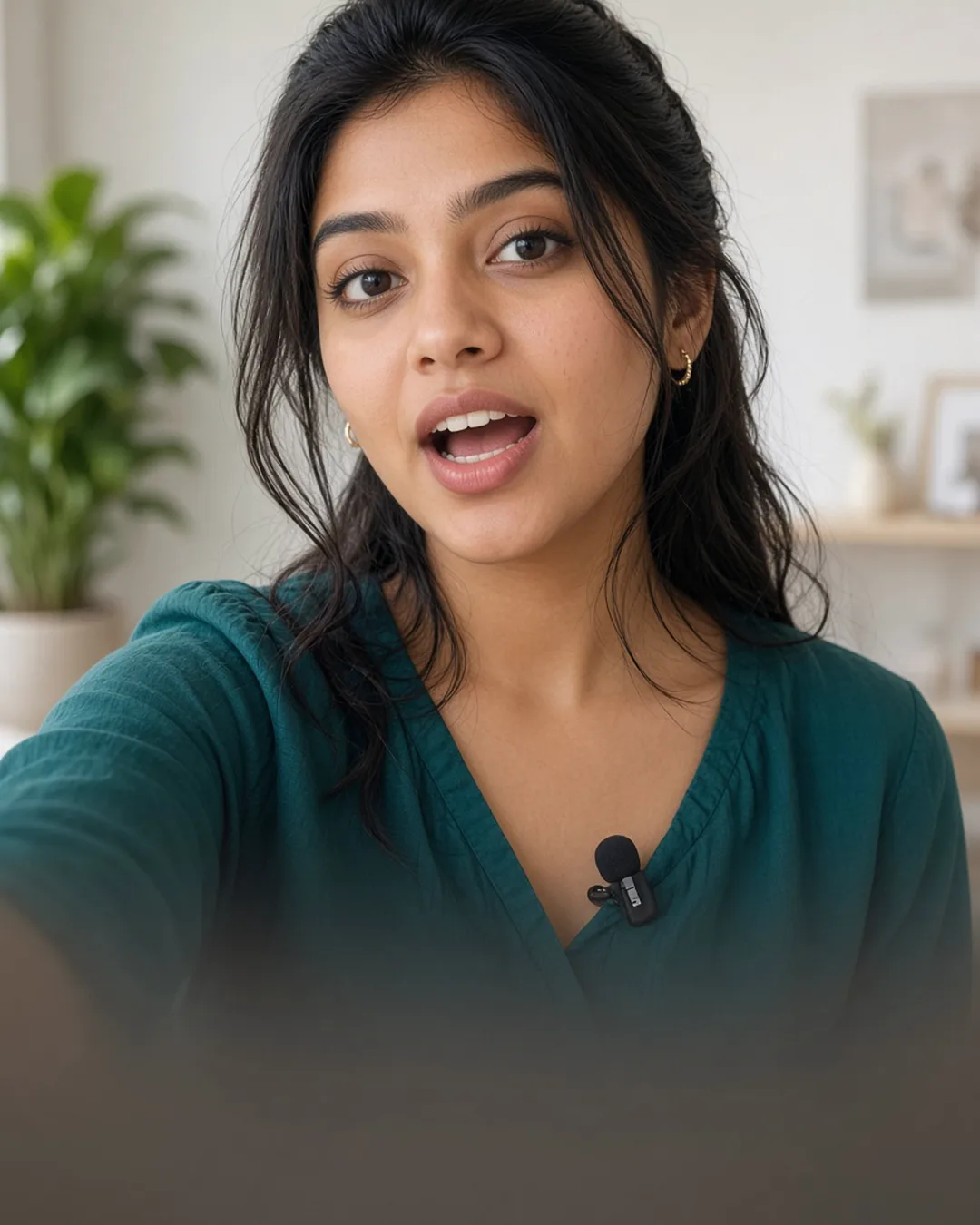
Audio-driven UGC
Ideal for hooks, testimonials, and creator-style lines when you already have the voice track.
Open in LovPics appUp to four person, product, or scene images to shape the hero frame.
Video length matches uploaded speech (4–15 seconds).
Optional UGC, talking-head, or testimonial look for the concept.
Background render with gallery download when complete.
More AI Reels presets
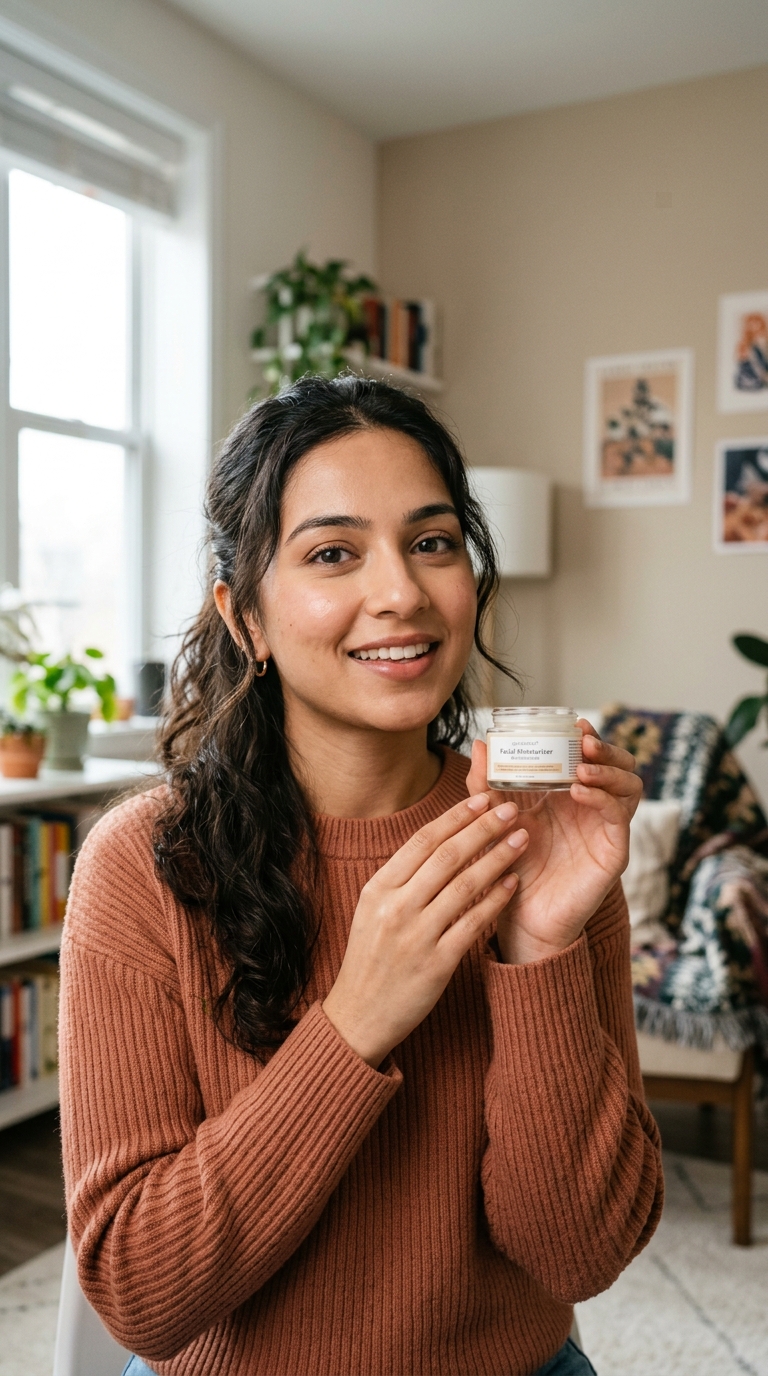
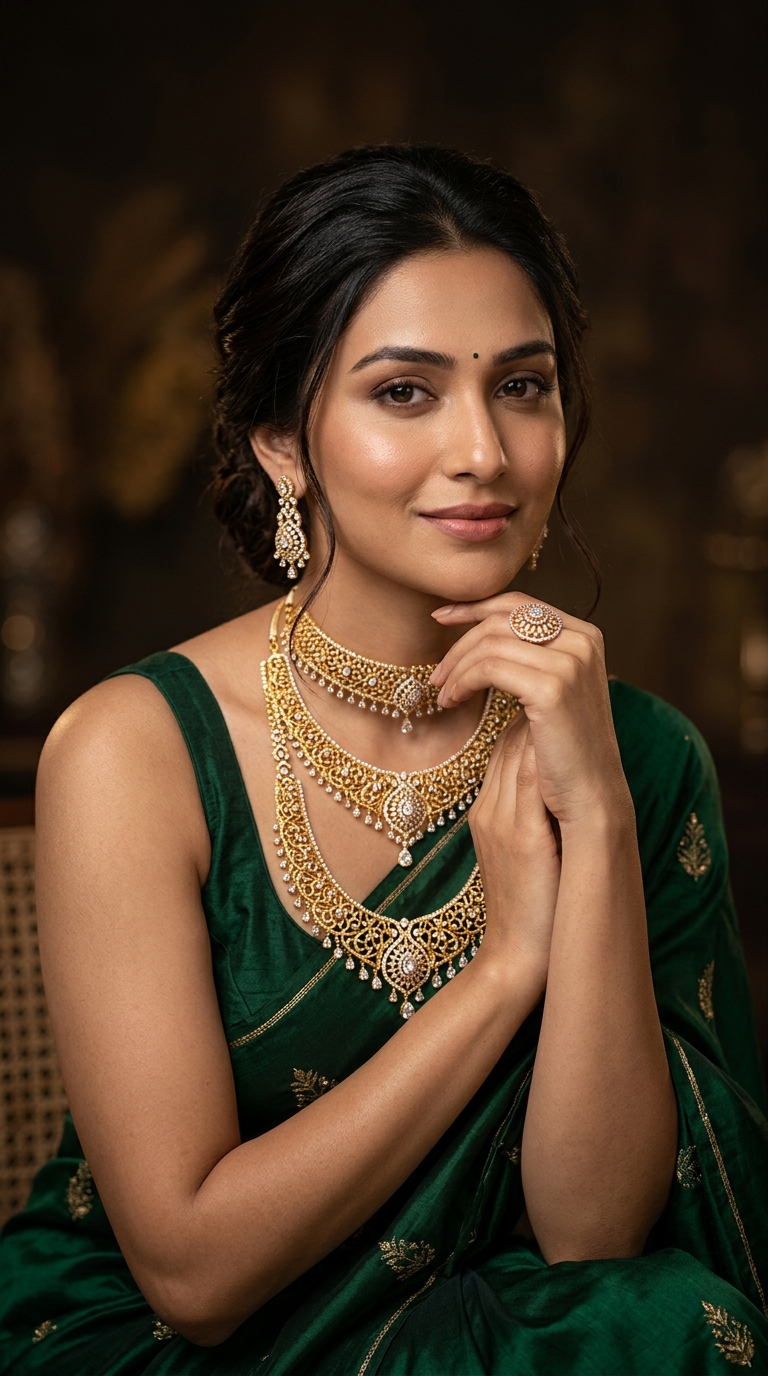
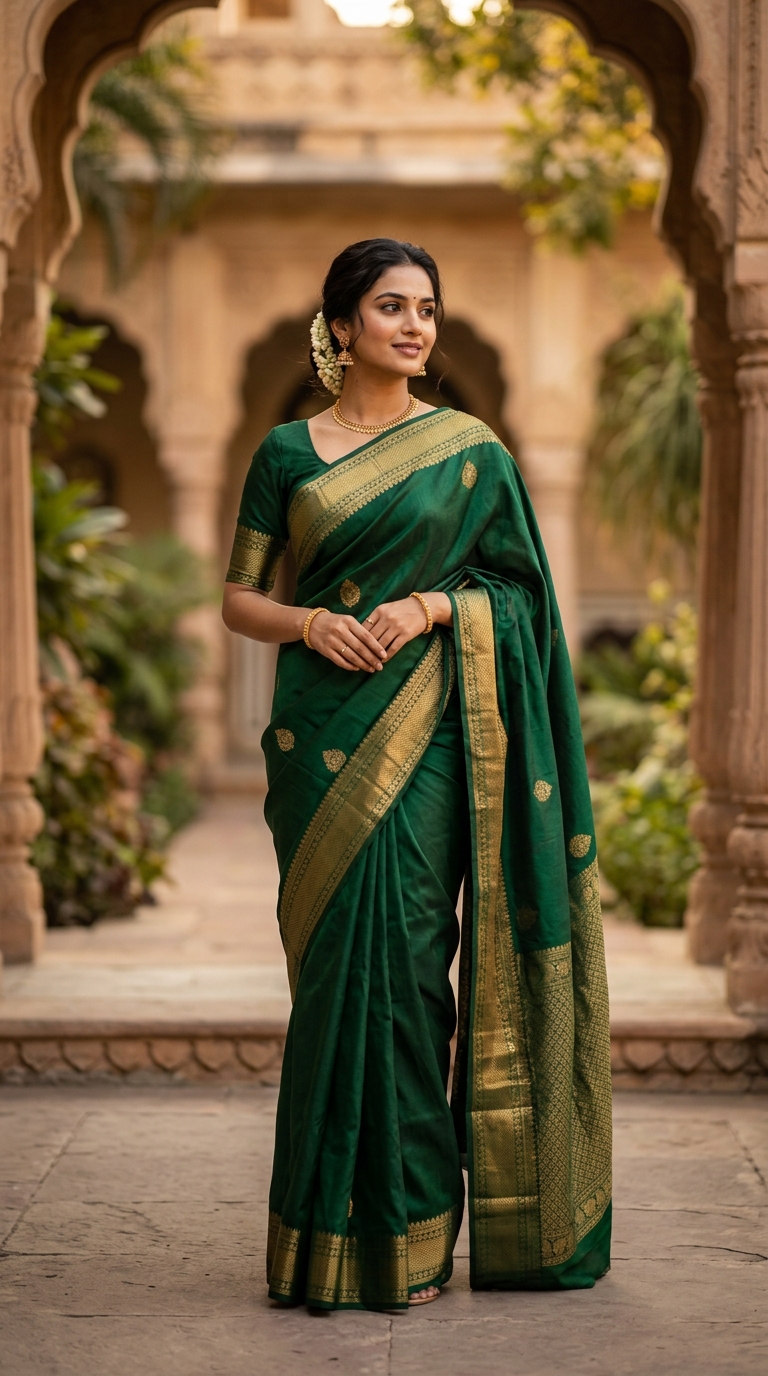
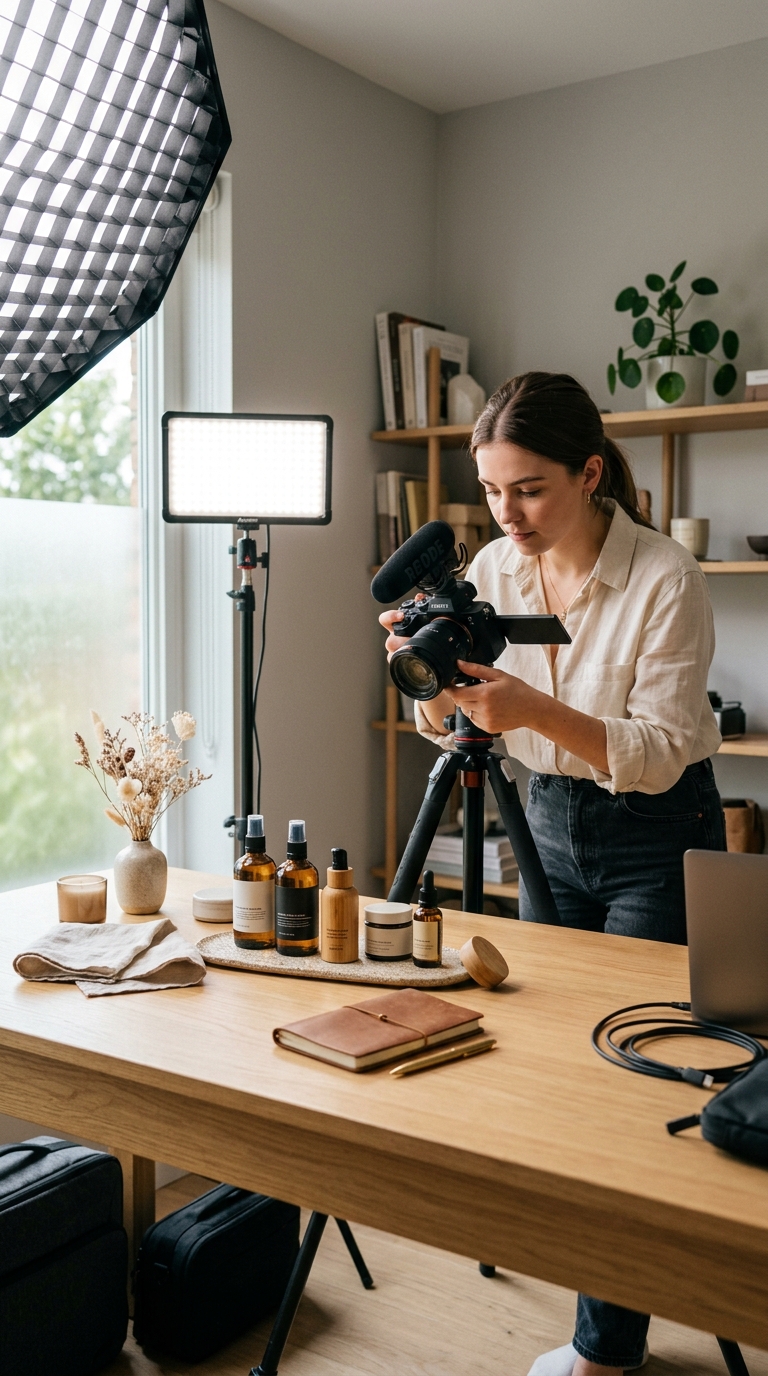



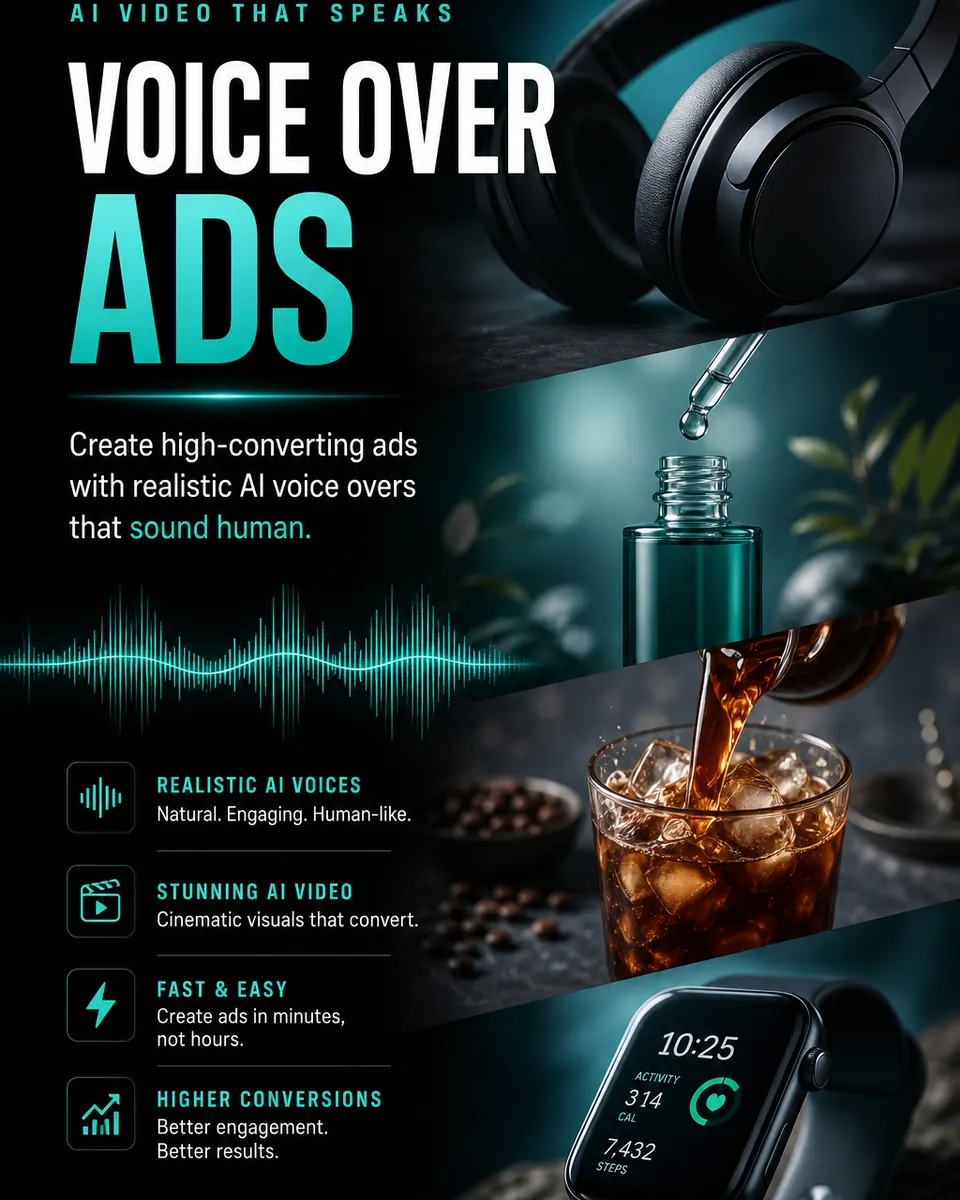
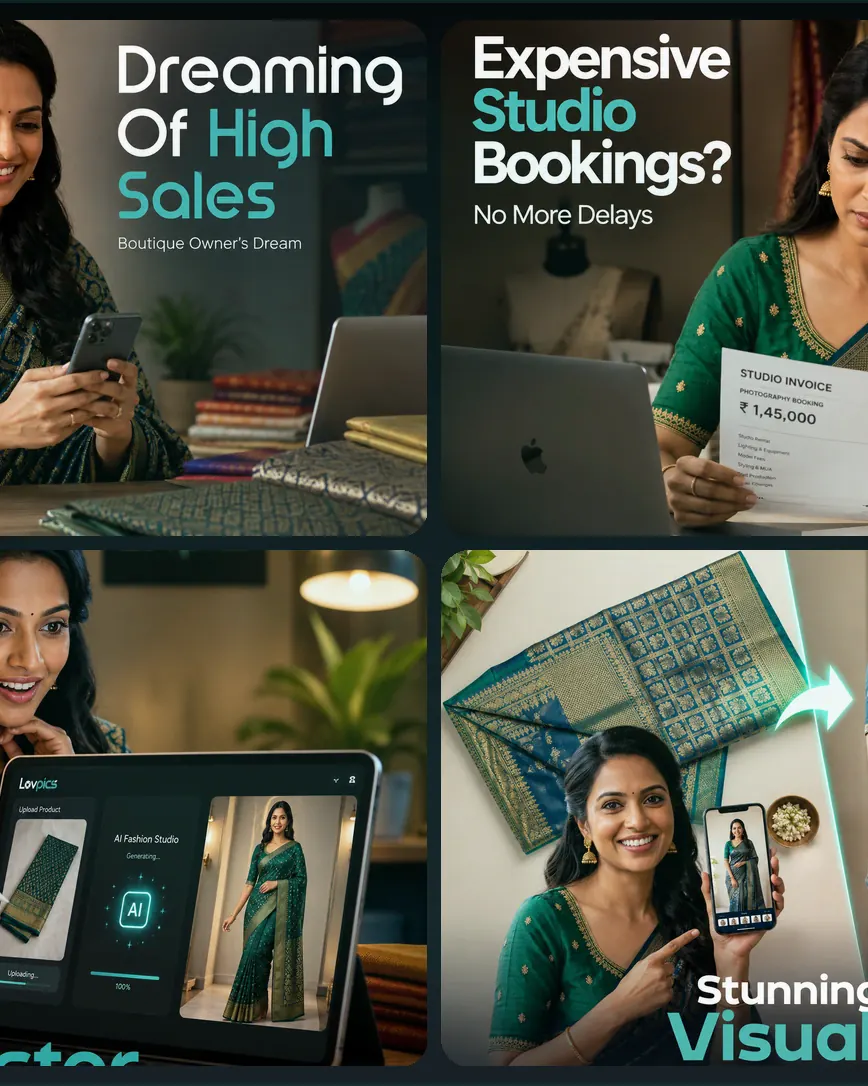
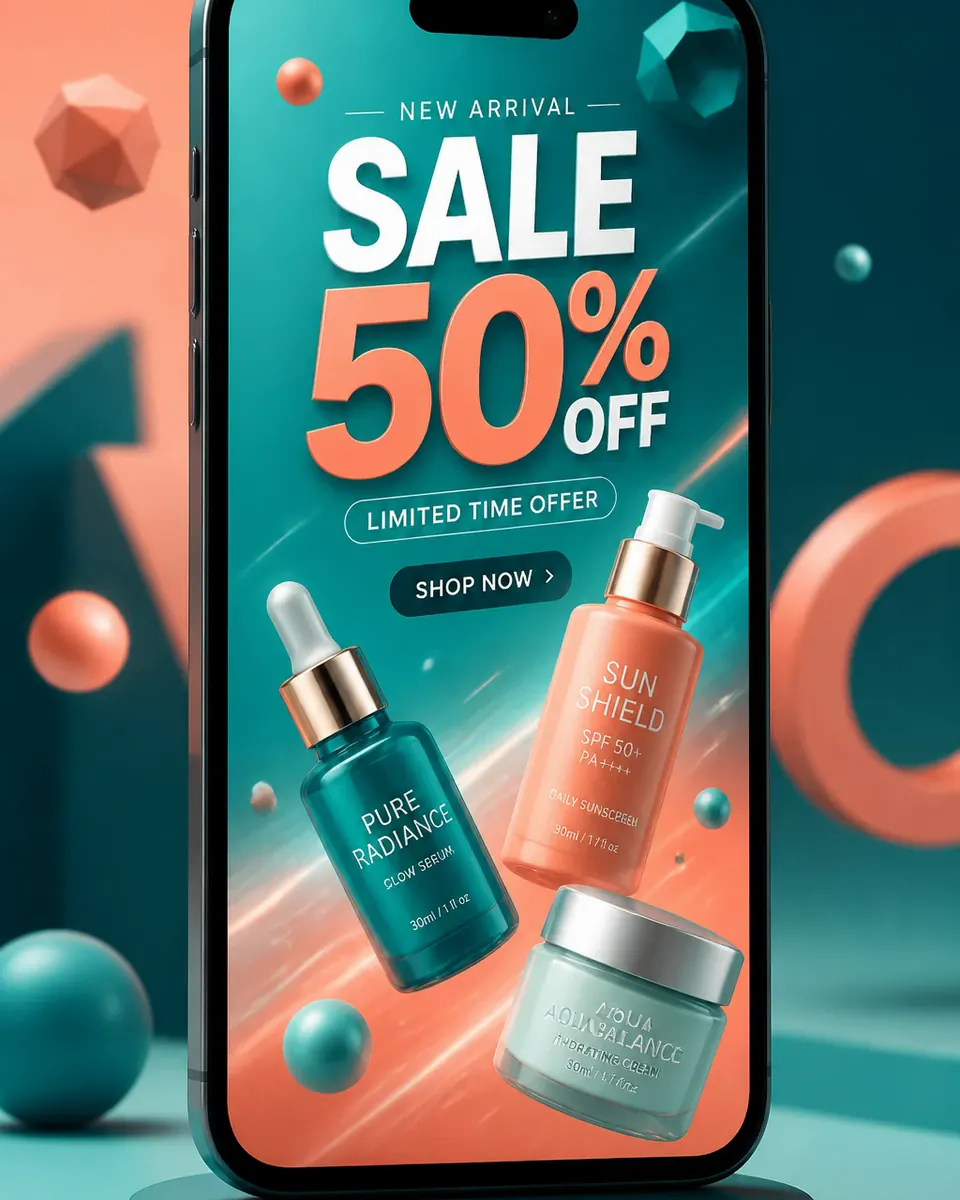
Compare workflows, watch samples, and pick the right creator.
View AI Reels hub →AI Reels
Upload references, generate a concept, approve the storyboard — your reel queues in the background.
Go to LovPics appFAQ
Explore More
Stay ahead with the latest in AI-powered commerce visuals.

Share your mobile number and our team will call you to walk through Lovpics - product shoots, fashion, reels, and more.
By submitting, you agree to be contacted about Lovpics. We respect your privacy.