Over-Smoothing
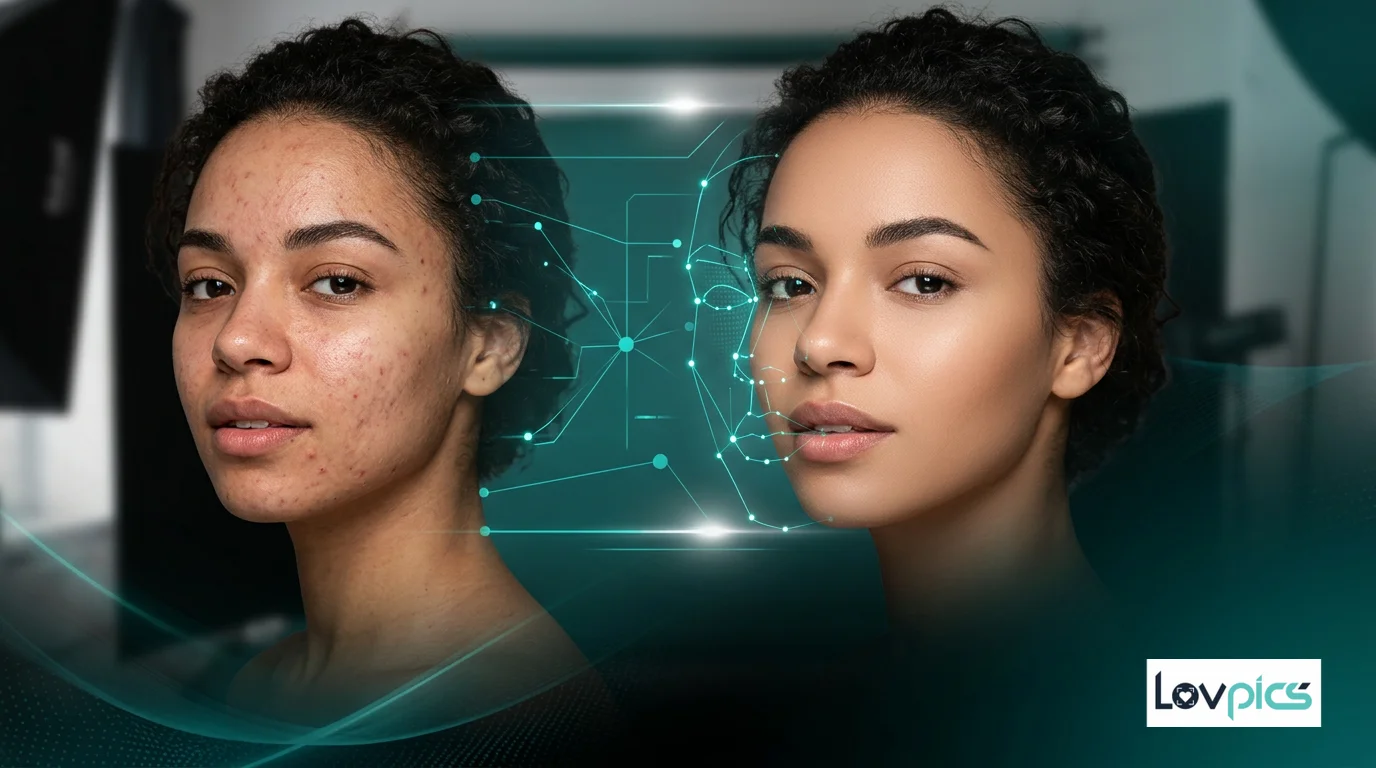
Over-smoothing faces or products.
Single-Point Smart Retouch
Make precise image corrections by touching just one point.
AI understands the intent and fixes only that area - cleanly and naturally.
One touch. One fix. Zero over-editing.
The problem
Most retouching tools don't know when to stop. Minor issues shouldn't require major editing.
Retouch with One ClickOver-smoothing faces or products.
Fixing one spot but affecting surrounding areas.
Manual masking for tiny corrections.
Time wasted on micro-edits.
Retouch with AI to:
No brushes. No layers. No guesswork.
What is it?
Single-Point Smart Retouch is an AI-powered micro-editing tool that lets you fix a specific spot in an image by selecting just one point.
The AI automatically understands what needs correction, how far the correction should apply, and how to blend the fix naturally. Nothing else in the image is touched.
Simple workflow
Precision-first workflow:
No brushes. No layers. No guesswork.
What You Can Do with Single-Point Smart Retouch
Fix tiny imperfections precisely.
Retouch without affecting nearby areas.
Preserve skin, fabric, and texture.
Apply instant, natural corrections.
Perform multiple micro-fixes safely.
Designed for subtle, professional results.
Who Should Use Single-Point Smart Retouch?
Fix fabric creases, makeup smudges, or skin marks.
Remove dust, scratches, or minor defects.
Polish visuals before publishing.
Handle quick client-requested touch-ups efficiently.
LovPics Tools
Single-Point Smart Retouch integrates with: Advanced Image Editing for final micro-polish; AI Background Replacement to clean subject edges; Multi-Pose Generation to refine each pose; AI ProductShoot to perfect product visuals; Bulk Image Export to export retouched sets.
Use it as the final perfection layer.
Comparison
Full Retouching → Risk of over-editing.
Single-Point Smart Retouch → Controlled, minimal, safe.
Fix only what matters.
Edit exactly where needed.
No manual masking or tools.
Avoid professional retouching time.
Images look polished, not artificial.
FAQ
Small Fixes. Big Difference.
With Single-Point Smart Retouch, LovPics lets you correct imperfections instantly while keeping images natural and professional.
Try one-click smart retouching todayExplore More
Stay ahead with the latest in AI-powered commerce visuals.
Share your mobile number and our team will call you to walk through Lovpics - product shoots, fashion, reels, and more.
By submitting, you agree to be contacted about Lovpics. We respect your privacy.