Lovpics vs ChatGPT for Product Photography
ChatGPT and similar assistants are useful for general image generation from prompts. Lovpics is an AI visual production platform for ecommerce: catalog shots, on-model fashion frames, ad creatives, banners, retouching, and exports aligned to how D2C teams actually ship. Brands need workflows and consistency—not only a single impressive image.
When ChatGPT is enough
ChatGPT-style tools shine for exploration: quick mocks, mood boards, one-off social concepts, or internal creative brainstorming when you do not need SKU-level accuracy or channel-specific export packages.
When ChatGPT is not enough
Ecommerce teams routinely need dozens of assets per product: gallery order, marketplace-safe compositions, alternate angles, lifestyle frames for ads, and revisions tied to real inventory. That is production work, not a single chat response.
Why ecommerce brands need workflow, not one image
A product page, launch email, and paid campaign together consume many coordinated visuals. Production platforms preserve product truth, reuse approved setups, and scale output; chat UIs are not optimized for that operating cadence.
Product consistency
Customers compare images across PDPs and ads. When outputs drift in lighting, scale, or product detail, trust erodes. Lovpics is built around product-forward workflows so teams can standardize looks across SKUs.
Bulk visual generation
Seasonal refreshes and large catalogs require batch thinking—queues, variations, and exports. Lovpics supports ecommerce-oriented generation and bulk export patterns suited to merchandising timelines.
Marketplace-ready output
Channels differ in framing, resolution, and file expectations. A production stack helps you compose once and adapt formats rather than hand-tweaking every asset in a general-purpose image tool.
Lovpics workflow in practice
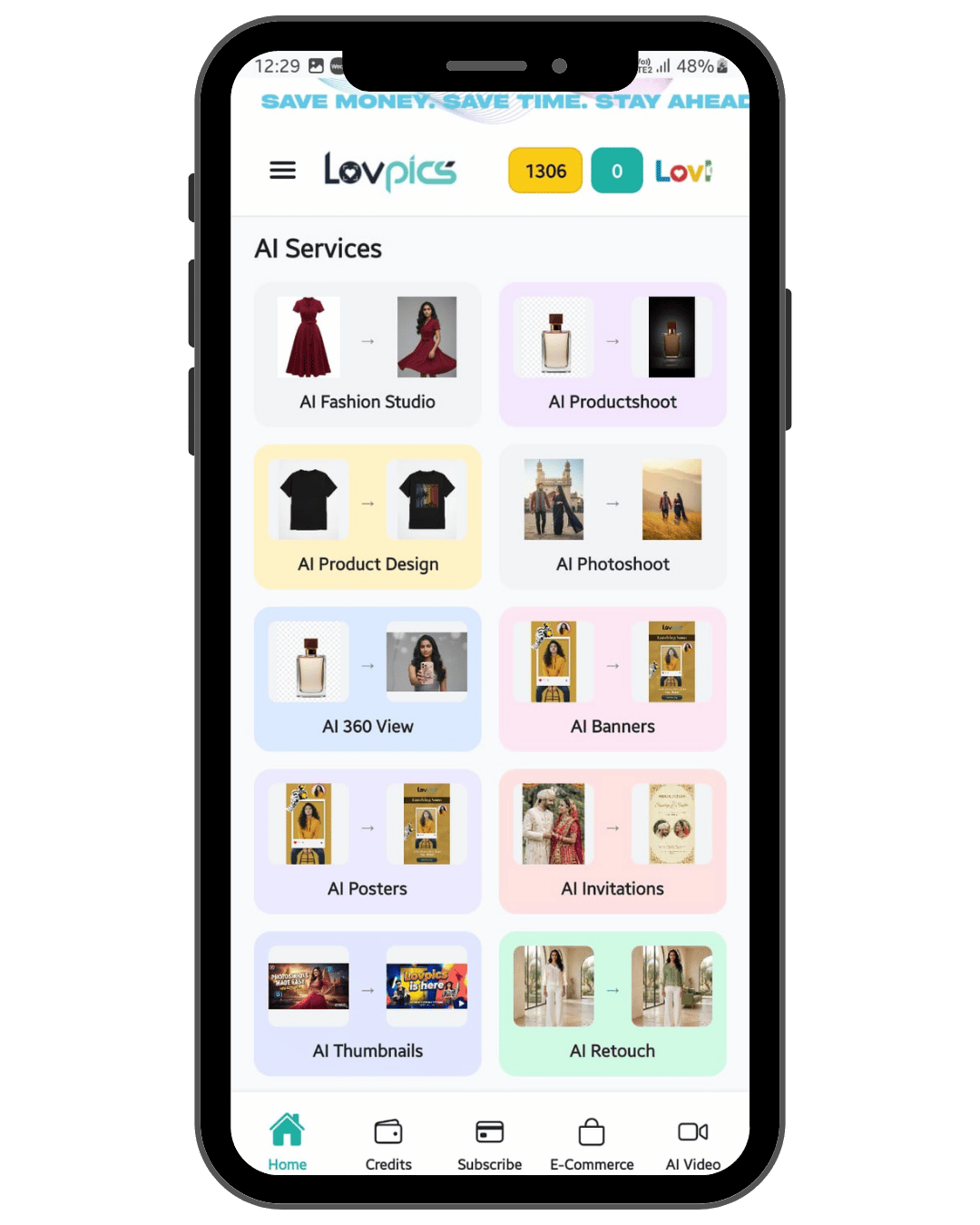
Teams upload product truth, generate catalog and campaign sets, refine with retouch and background tools, then publish across Shopify, Amazon, ads, and social—using a single platform tuned for commercial visuals rather than open-ended prompting alone.
How it works
- Upload your product (and optional references) as the source of truth.
- Configure shoots, fashion studio settings, or packs for your channels.
- Generate variants and batches instead of one-off chat images.
- Retouch, replace backgrounds, and export in ecommerce-friendly formats.
Traditional photoshoot vs Lovpics
| Option | Cost | Speed | Scalability | Best for |
|---|---|---|---|---|
| Traditional photoshoot | High | Slow | Limited | Premium campaigns, hero imagery |
| Freelance designer | Medium | Medium | Medium | Manual edits, small batches |
| Generic AI image tool | Low | Fast | Low control | One-off experiments |
| Lovpics | Lower vs studio | Fast | High | Ecommerce visual production at scale |
Lovpics use cases
- AI product photos and catalog sets
- AI fashion and on-model shots
- Lifestyle and campaign visuals
- Banners, thumbnails, and ad creatives
- Retouching and background control
- 360° and marketplace-oriented exports
Related on Lovpics
Frequently asked questions
Should we cancel ChatGPT if we use Lovpics?
Not necessarily. Many teams use chat tools for ideas and Lovpics for shippable ecommerce assets. The split is about deliverable type, not loyalty to one UI.
Can Lovpics replace our designer?
Lovpics accelerates production and iteration; some brands still involve designers for art direction and final QA—especially for premium campaigns.
What about Gemini or other chat image features?
The same pattern applies: conversational image tools optimize for flexibility; Lovpics optimizes for repeatable ecommerce visual systems.
Is Lovpics only for product photos?
No. Teams also use it for fashion shoots, banners, thumbnails, posters, 360° assets, and related commercial creatives.
Create your first product visual with Lovpics
Upload a product photo and generate catalog-ready, campaign-ready visuals without booking a studio.