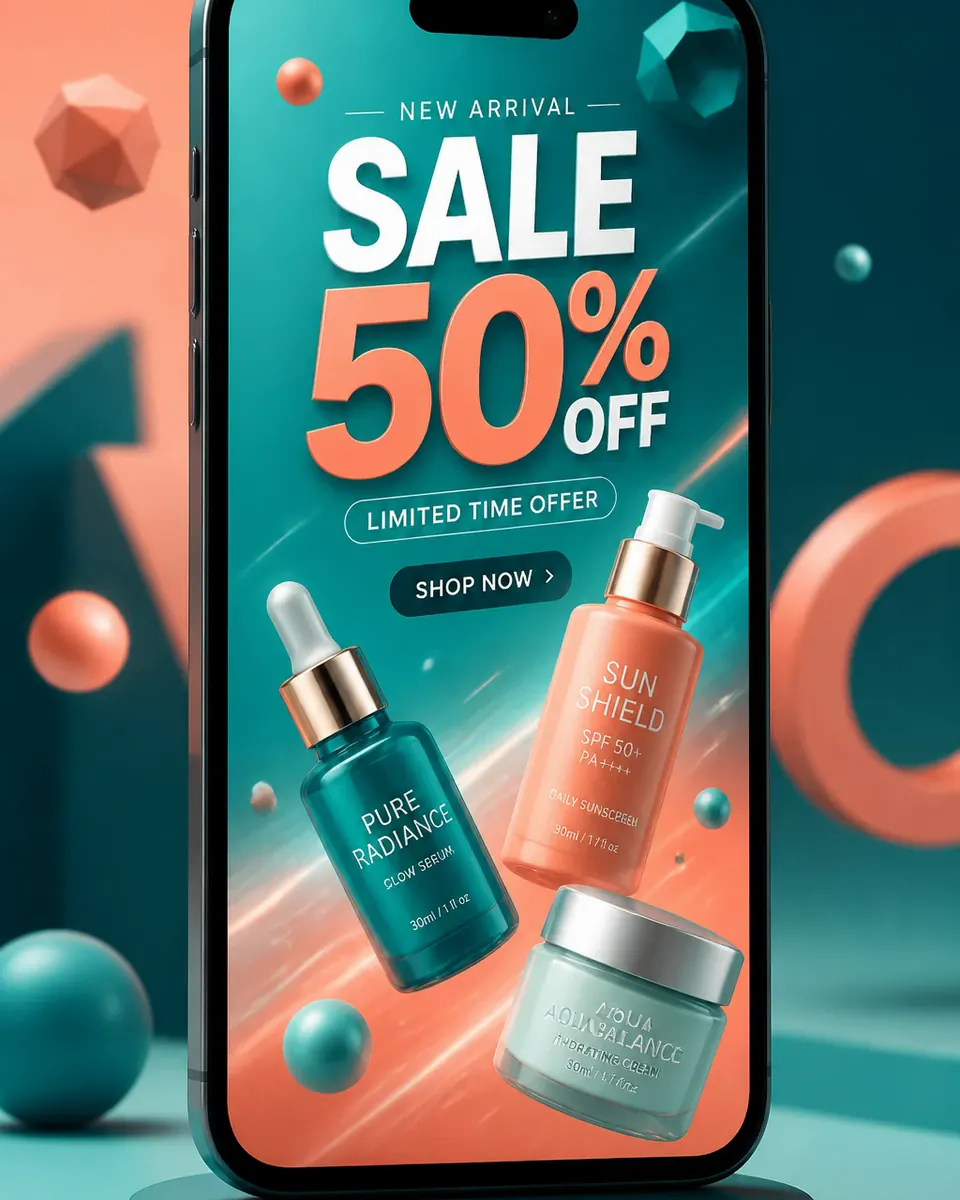
Banner still
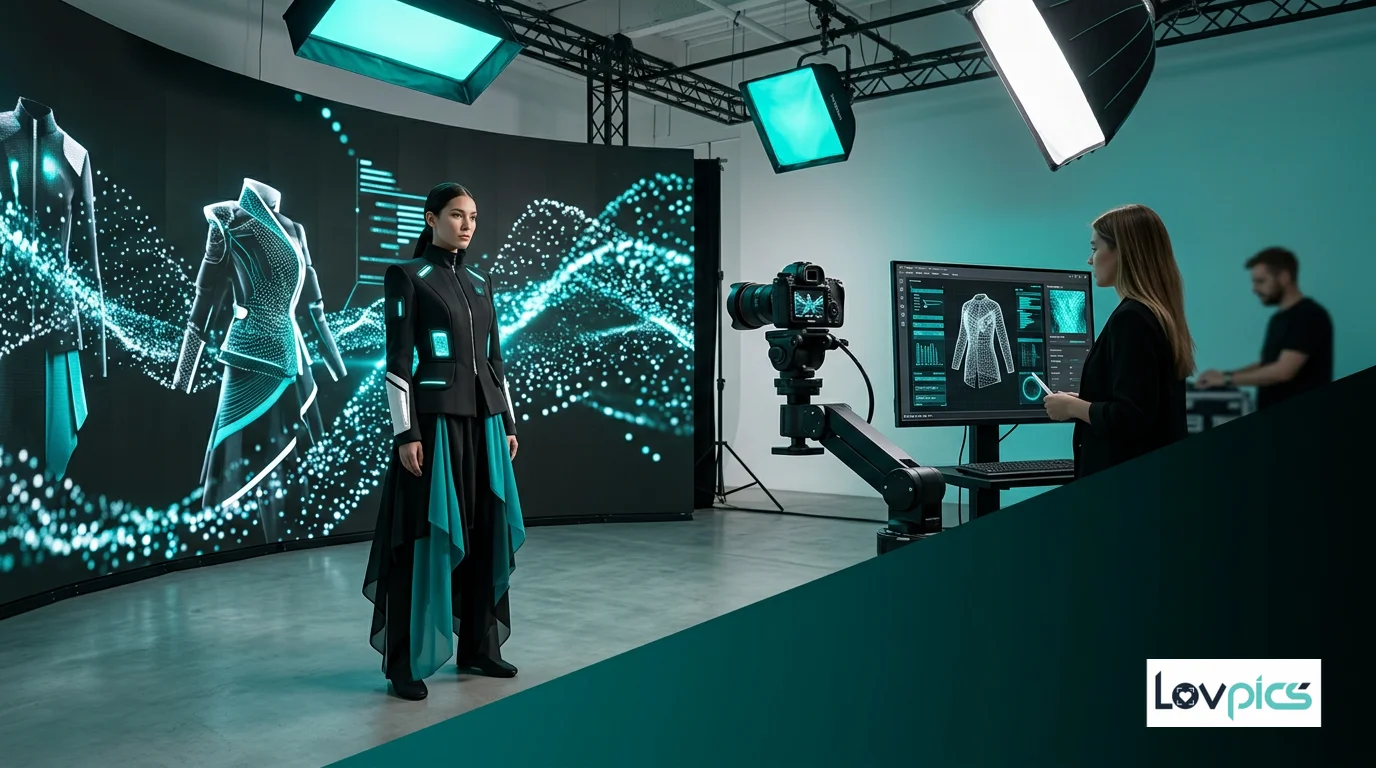
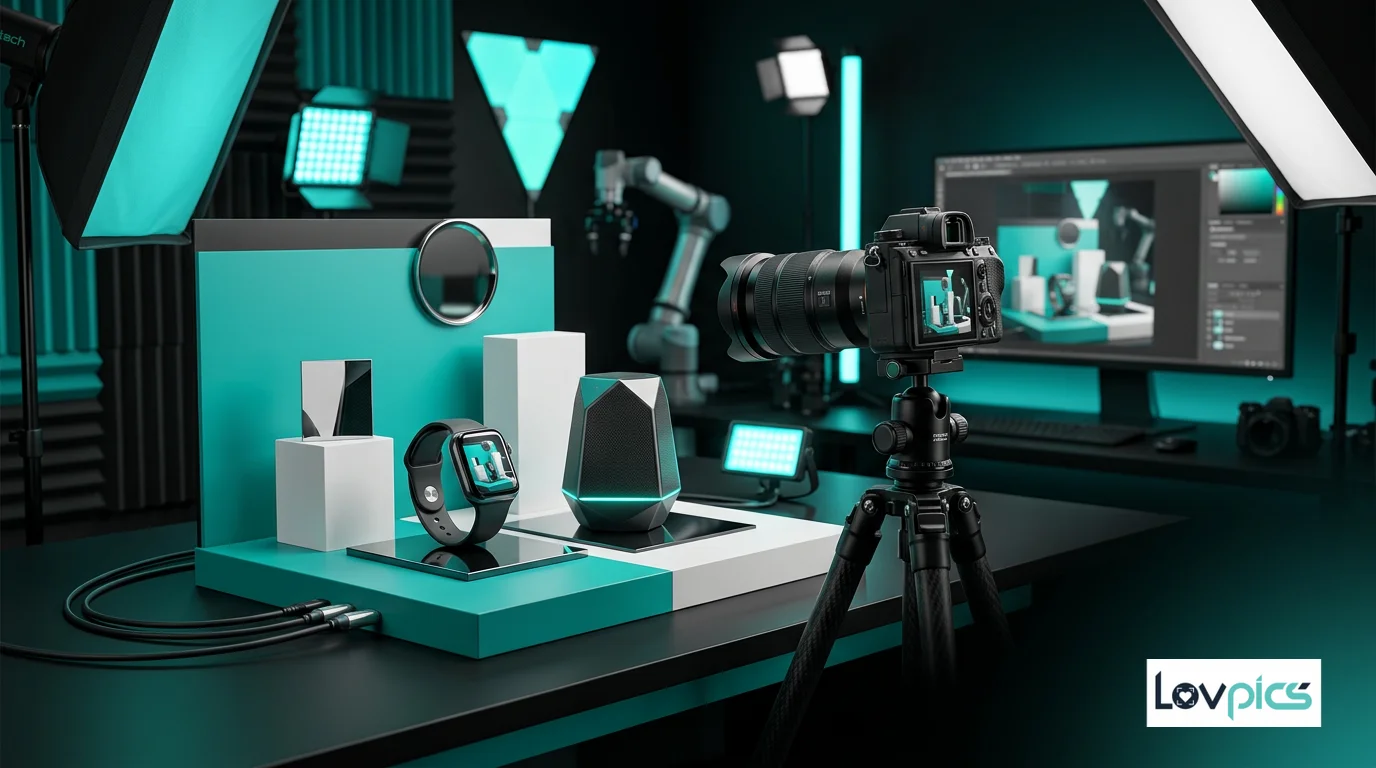
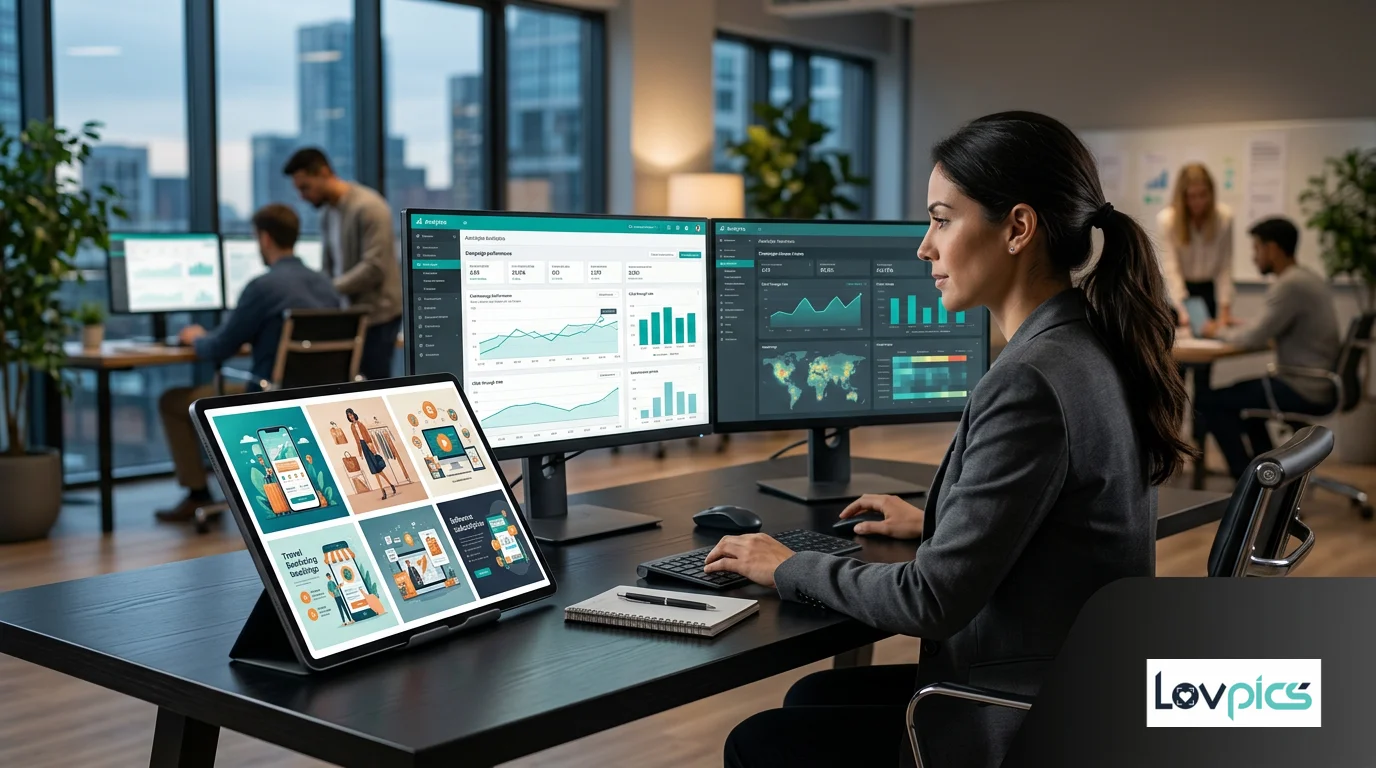
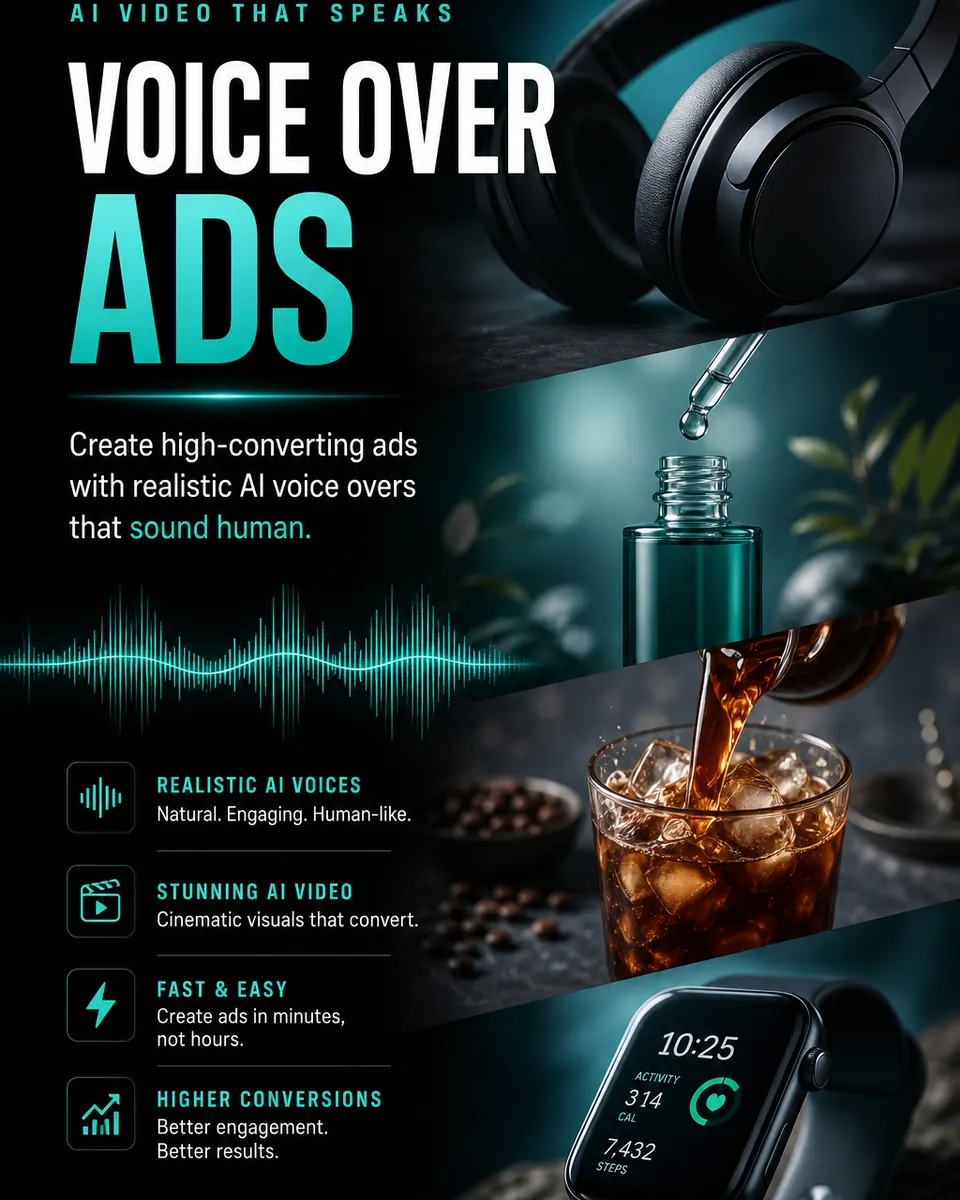
Polished ad graphic from references and instructions.
Two-step workflow inside AI Reels: AI banner frame, then Seedance motion — 9:16 or 16:9, ideal for Meta and YouTube placements.
Preset preview
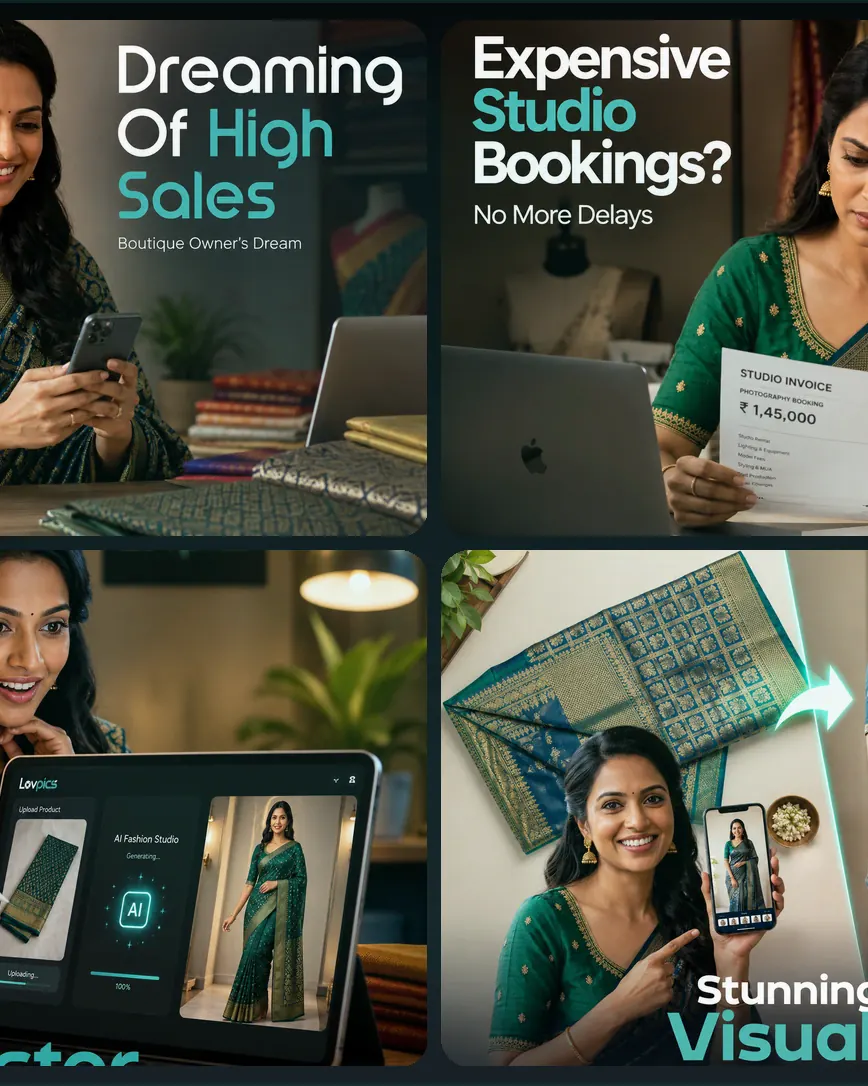
Concept → storyboard panels → cinematic reel. Same studio workflow as every AI Reels preset.
Reference-driven storyboards tuned for this category.
Banner to video
Also listed under AI Motion Banners on lovpics.com — same studio path from the AI Reels hub.
Open in LovPics appPolished ad graphic from references and instructions.
Animate the artwork into short cinematic video.
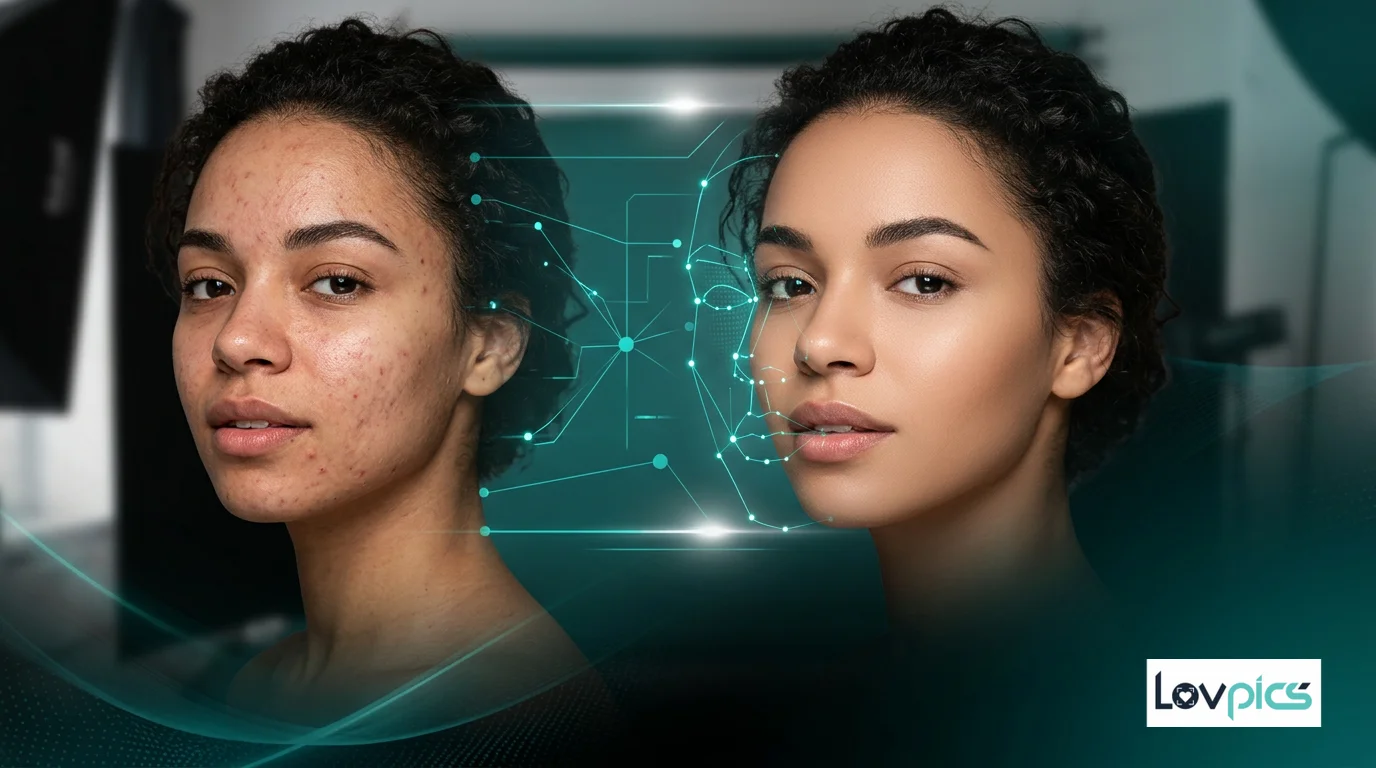
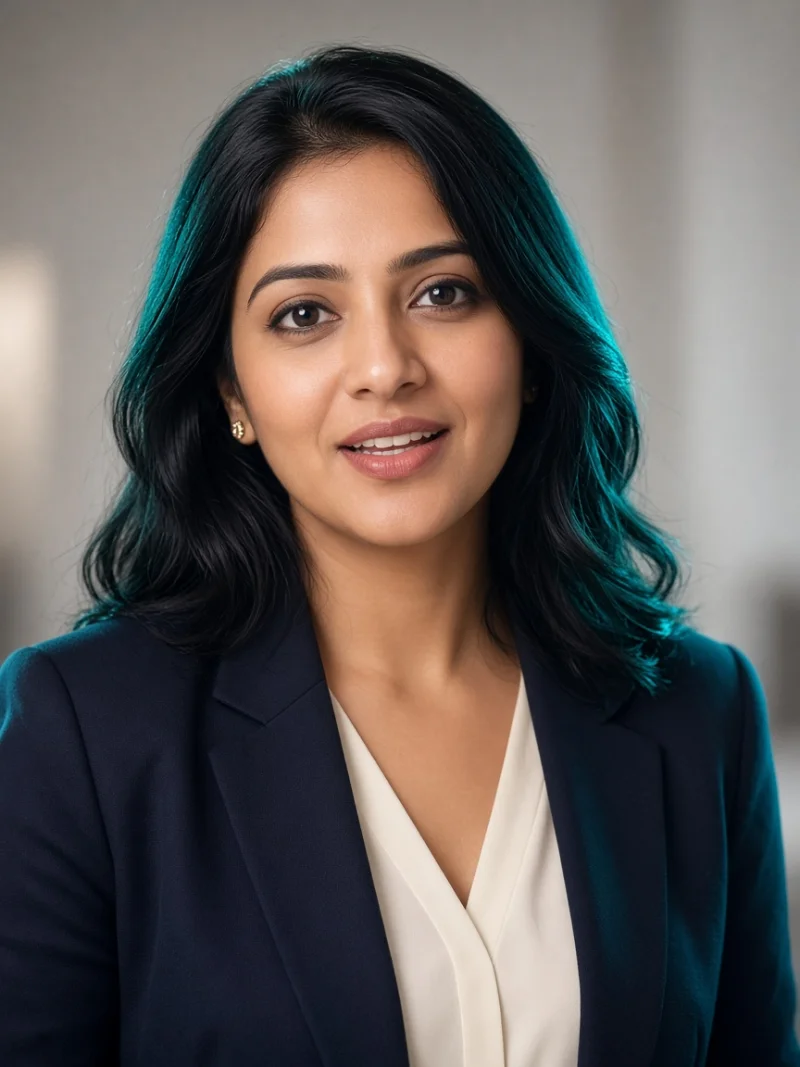
Optional model portrait for branded banner layouts.
9:16 and 16:9 exports for Reels and display.
More AI Reels presets
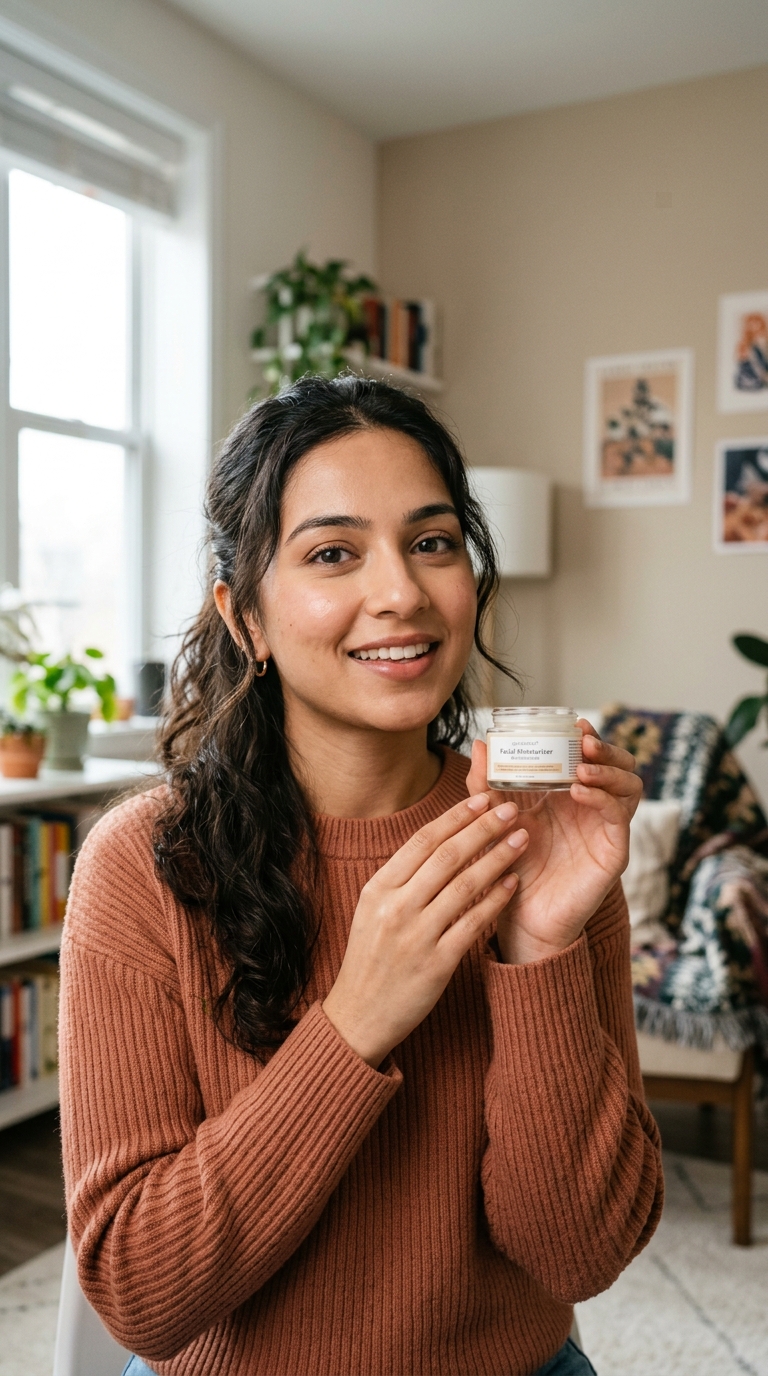
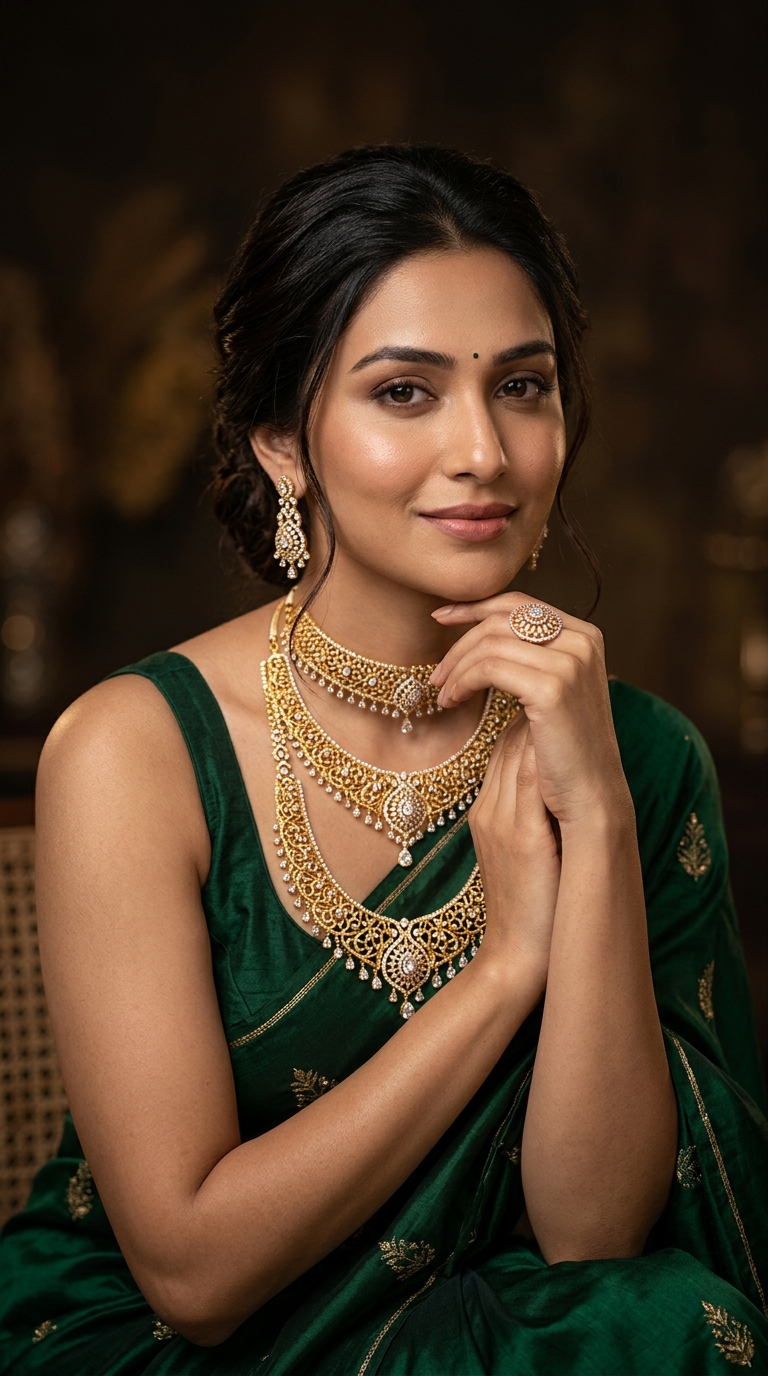
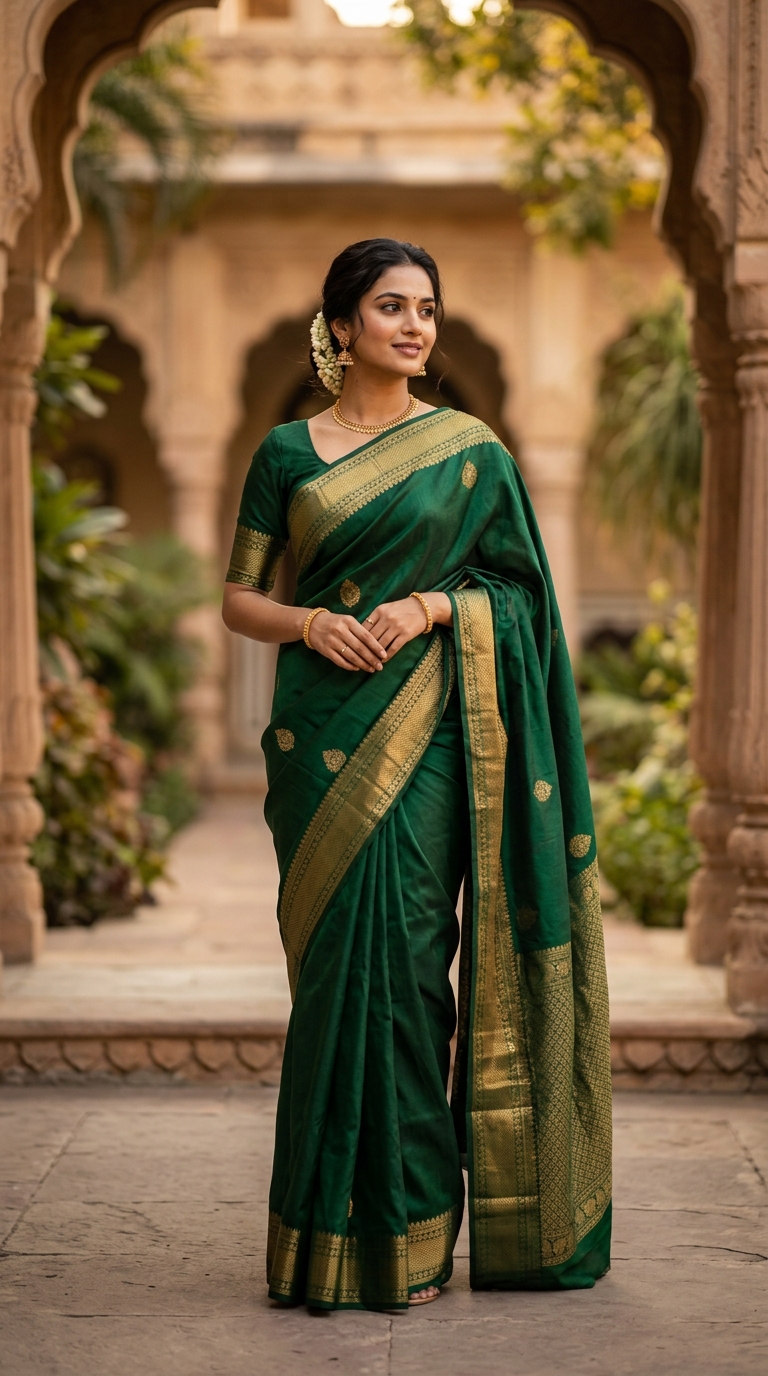
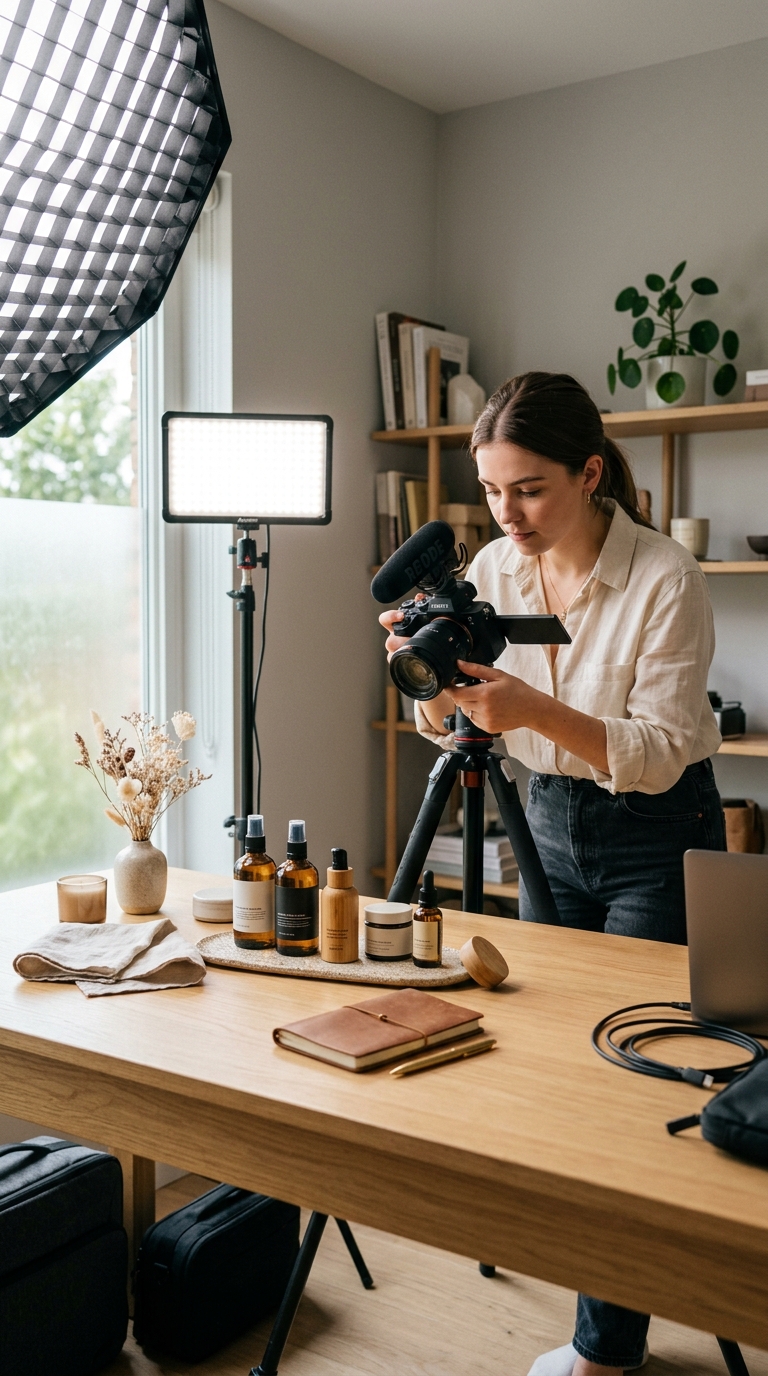
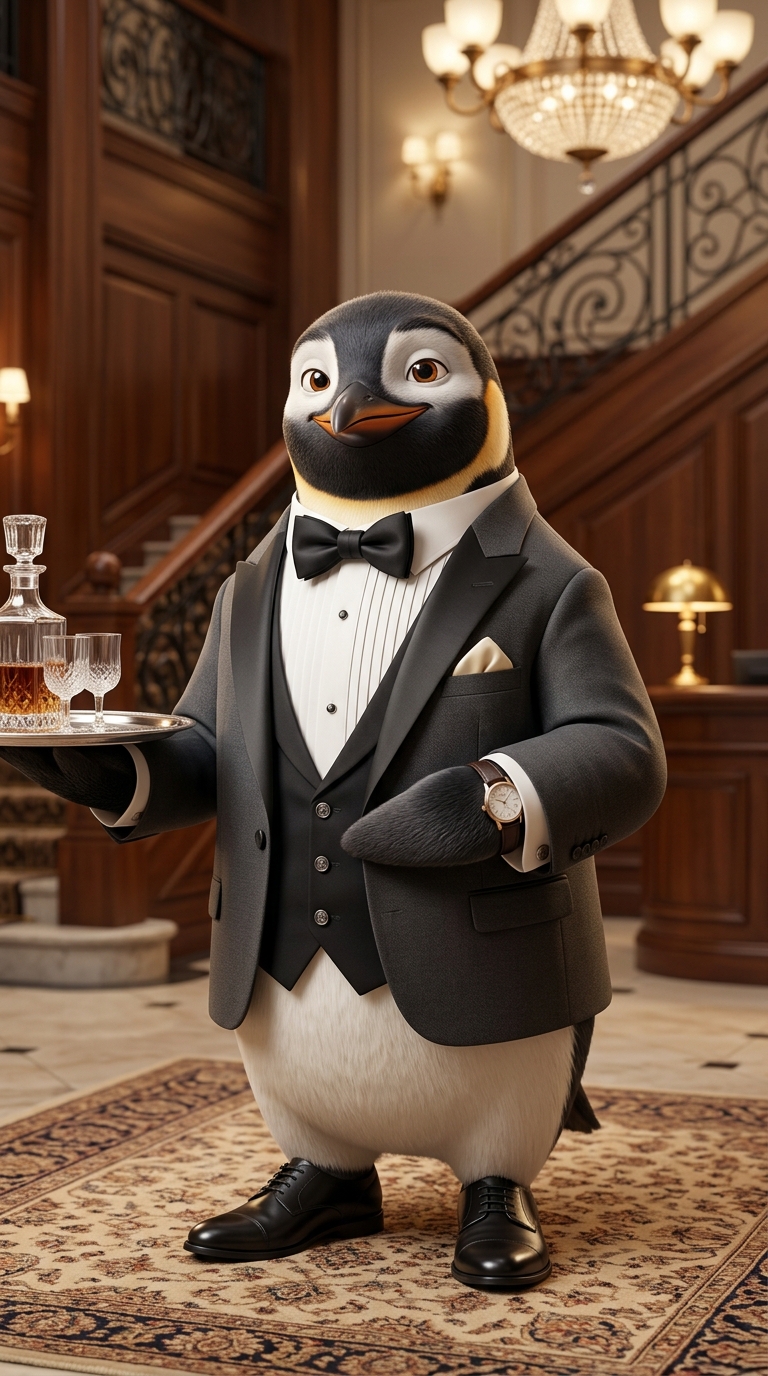

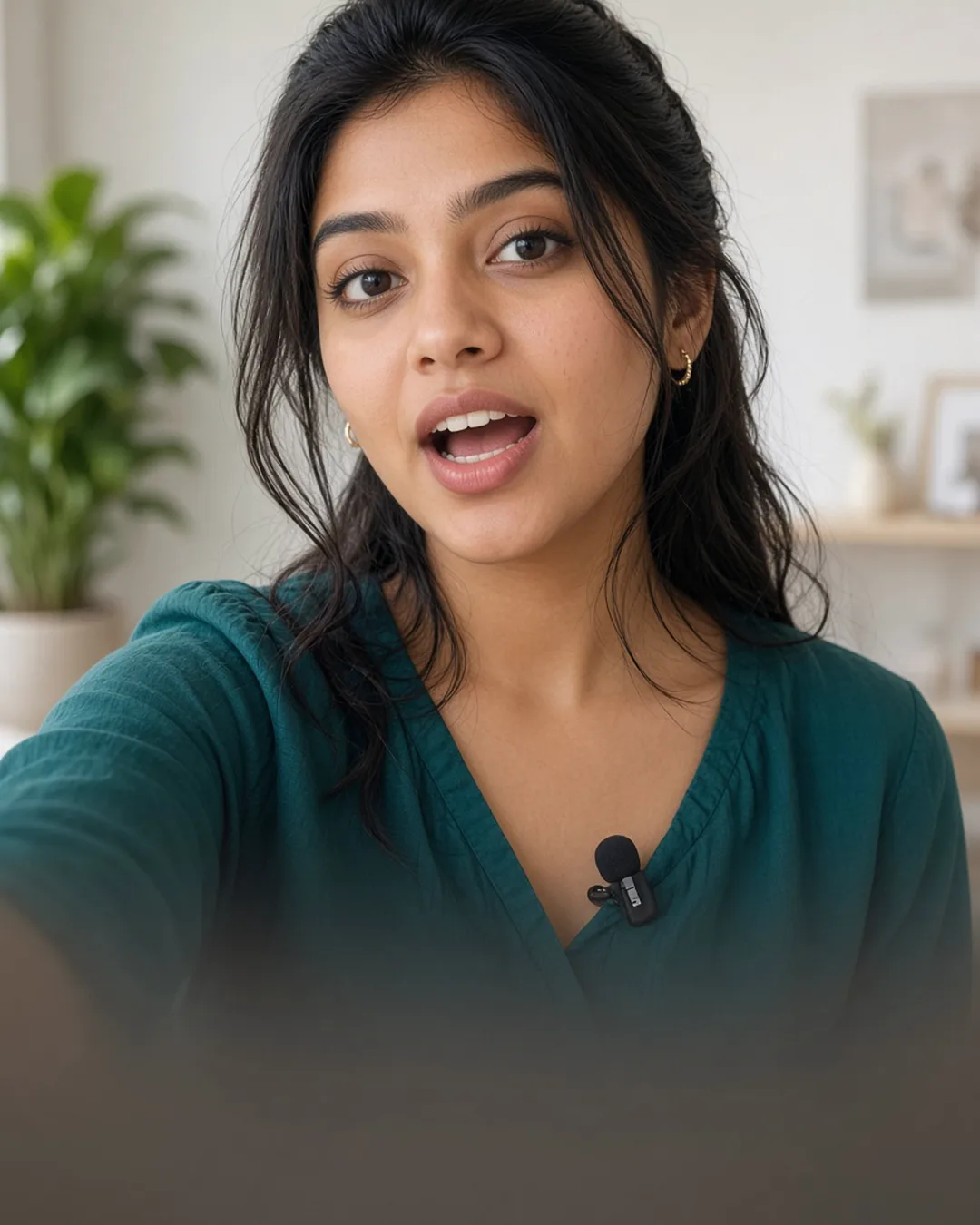
Compare workflows, watch samples, and pick the right creator.
View AI Reels hub →AI Reels
Upload references, generate a concept, approve the storyboard — your reel queues in the background.
Go to LovPics appFAQ
Explore More
Stay ahead with the latest in AI-powered commerce visuals.
Share your mobile number and our team will call you to walk through Lovpics - product shoots, fashion, reels, and more.
By submitting, you agree to be contacted about Lovpics. We respect your privacy.