Voice-over
Narration drives pacing; on-screen talent does not lip-sync.
Upload product references, paste narration, generate multi-scene storyboards, and export vertical MP4 with voice-over pacing tuned for paid social.
Preset preview
Concept → storyboard panels → cinematic reel. Same studio workflow as every AI Reels preset.
Reference-driven storyboards tuned for this category.
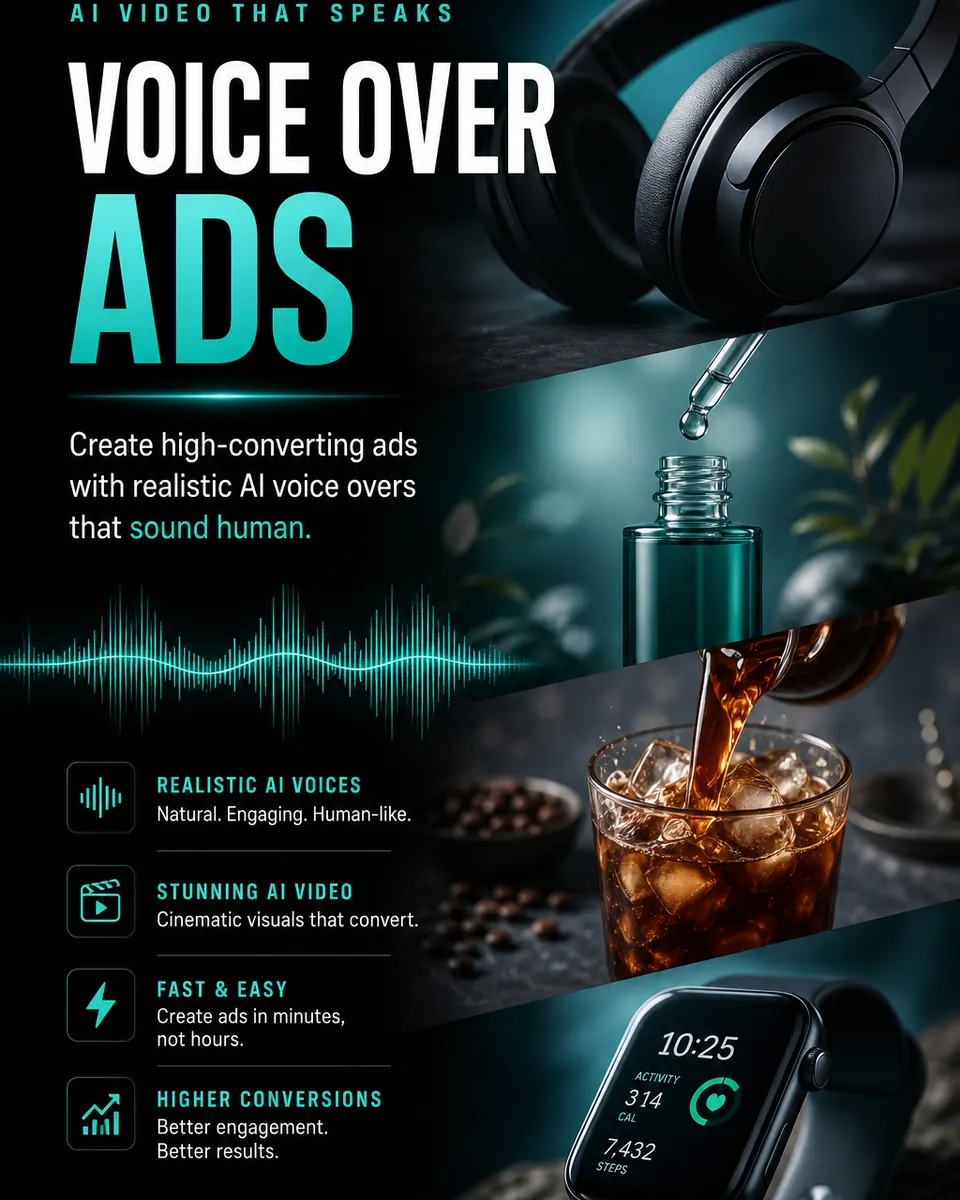
Narrated ads
Perfect when the voice is off-camera and the visuals carry the story — launches, features, and offer reels.
Open in LovPics appNarration drives pacing; on-screen talent does not lip-sync.
Multi-panel storyboards before video render.
Catalog-clean shots and lifestyle beats in one timeline.
Pick plan length; credits scale with duration.
More AI Reels presets
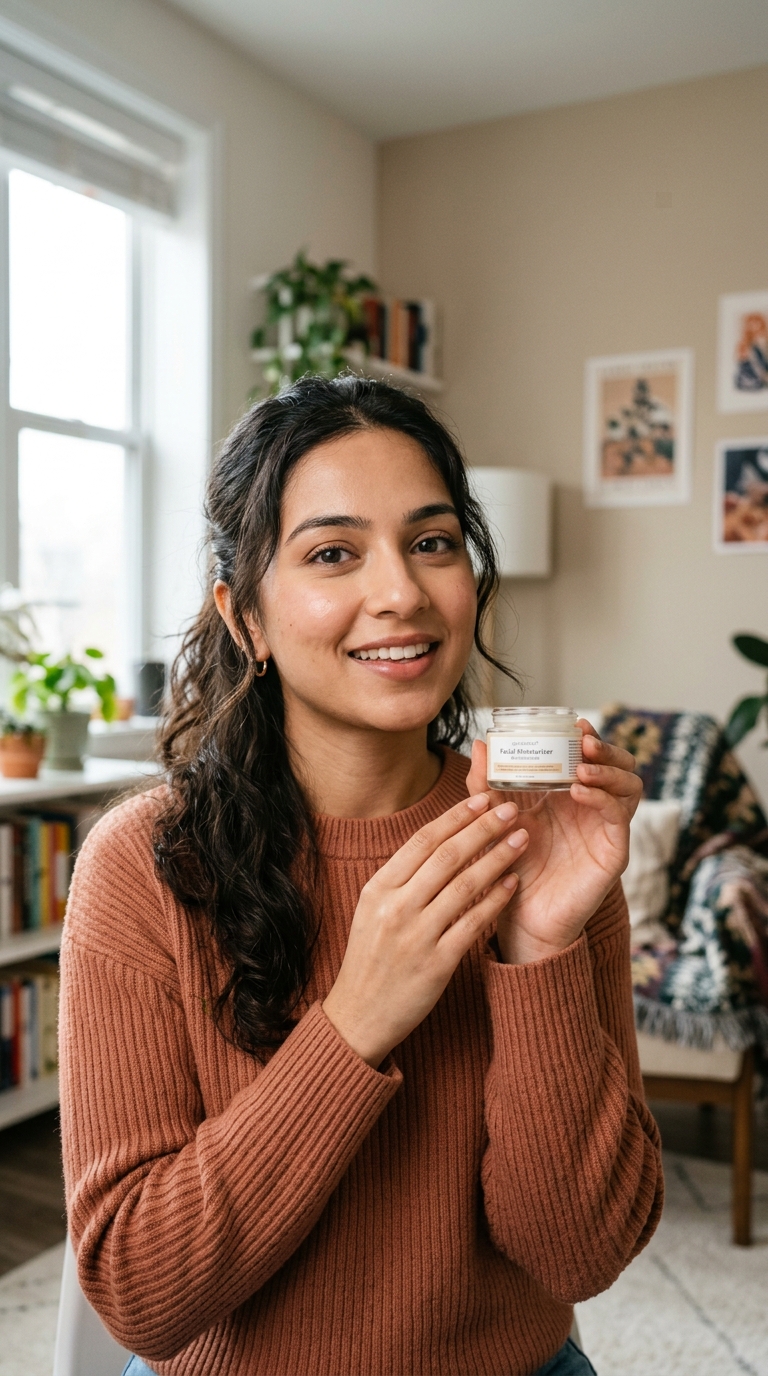





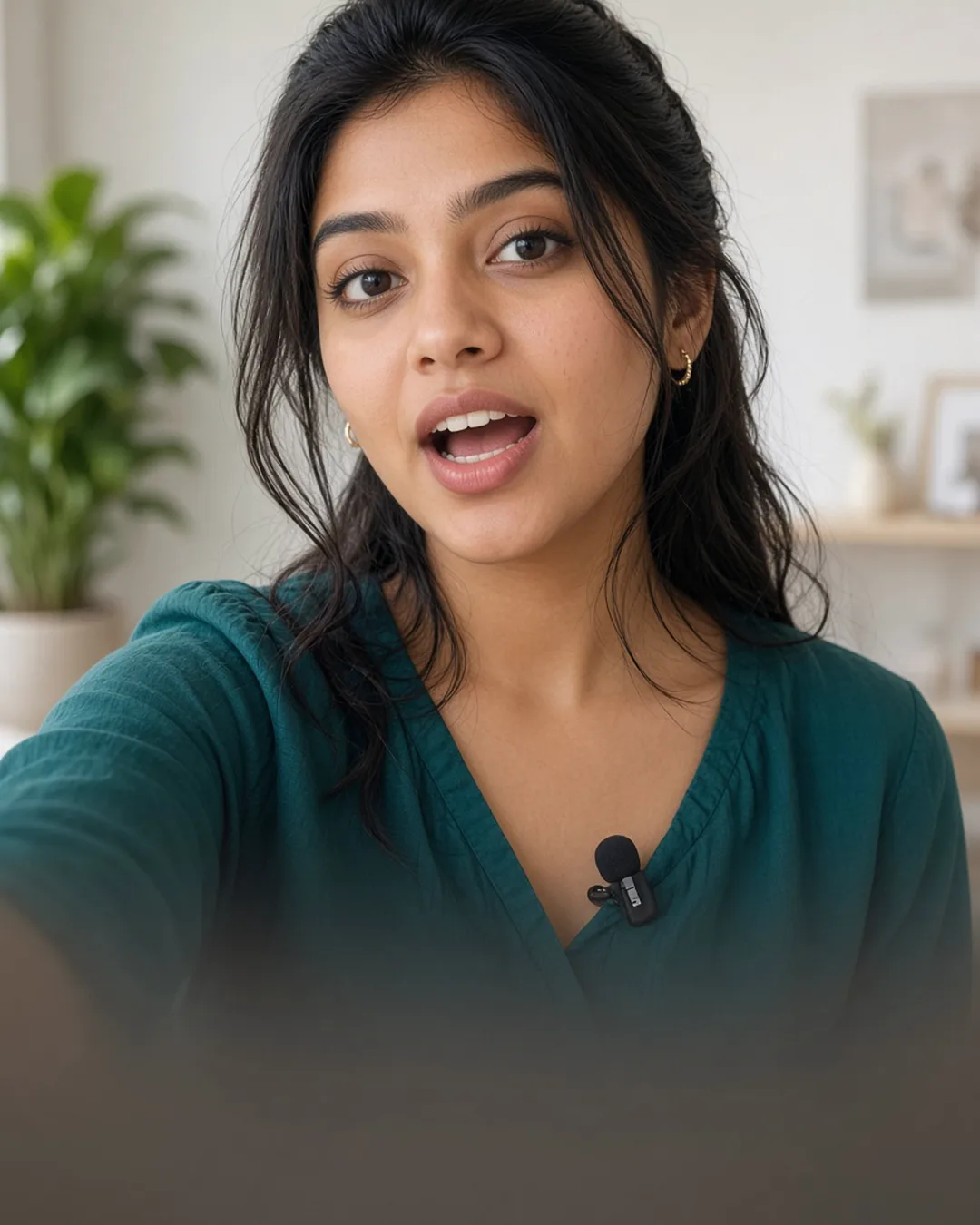

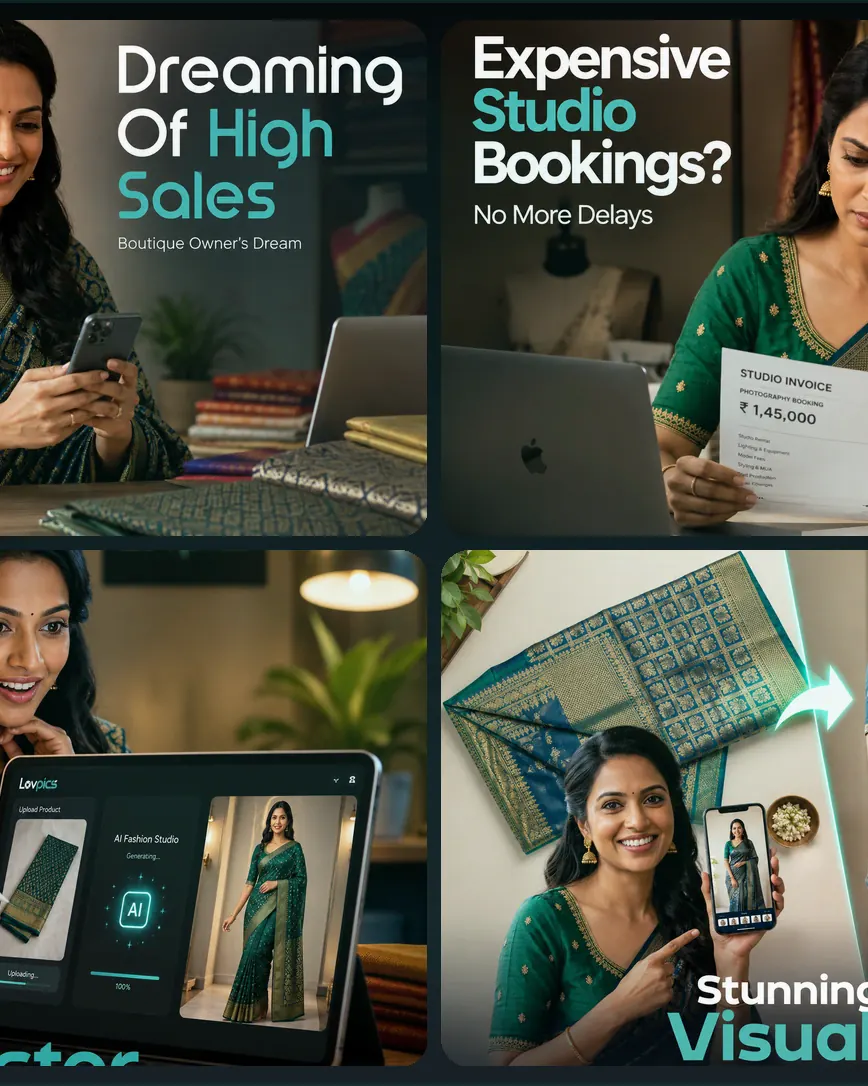
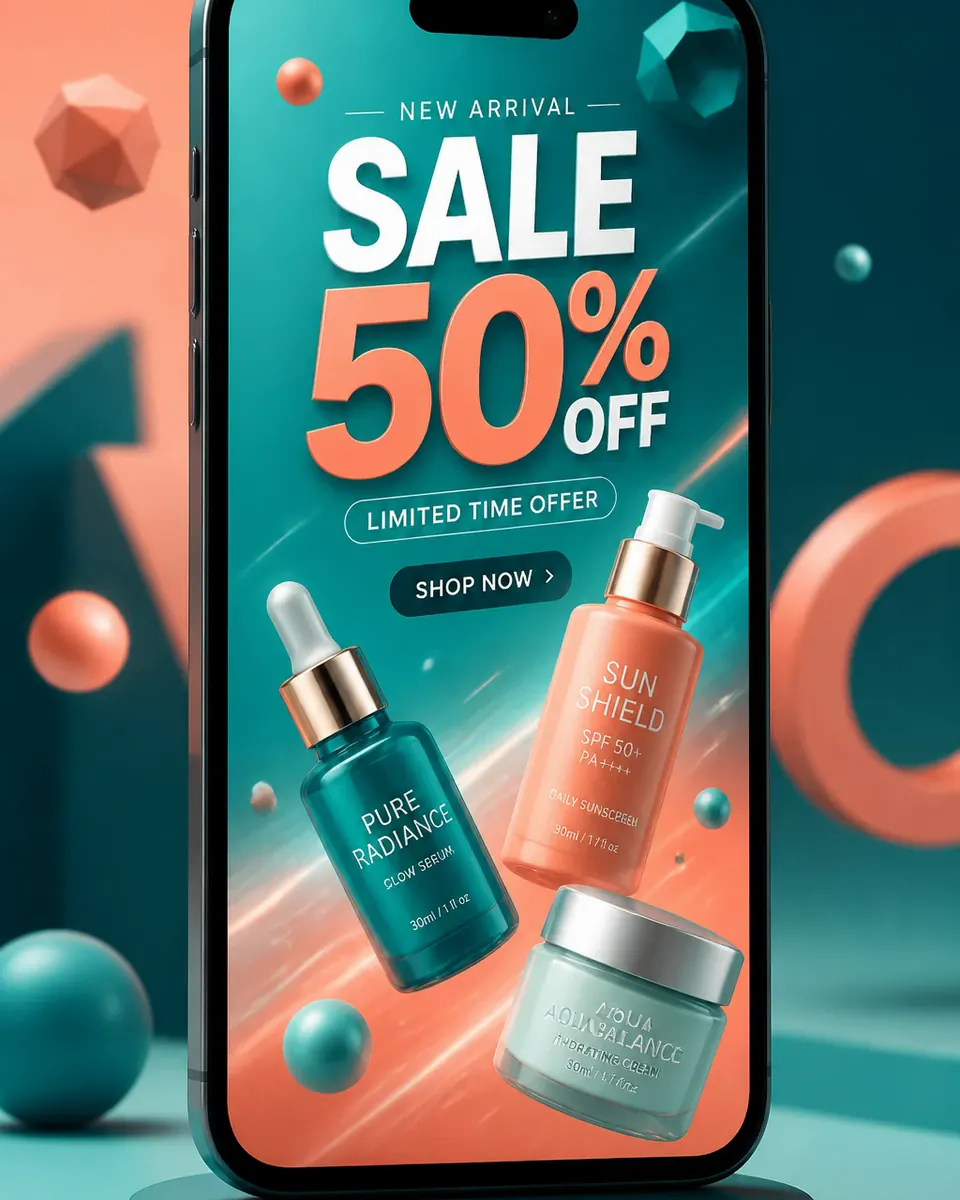
Compare workflows, watch samples, and pick the right creator.
View AI Reels hub →AI Reels
Upload references, generate a concept, approve the storyboard — your reel queues in the background.
Go to LovPics appFAQ
Explore More
Stay ahead with the latest in AI-powered commerce visuals.

Share your mobile number and our team will call you to walk through Lovpics - product shoots, fashion, reels, and more.
By submitting, you agree to be contacted about Lovpics. We respect your privacy.