AI Product Photography for Shopify
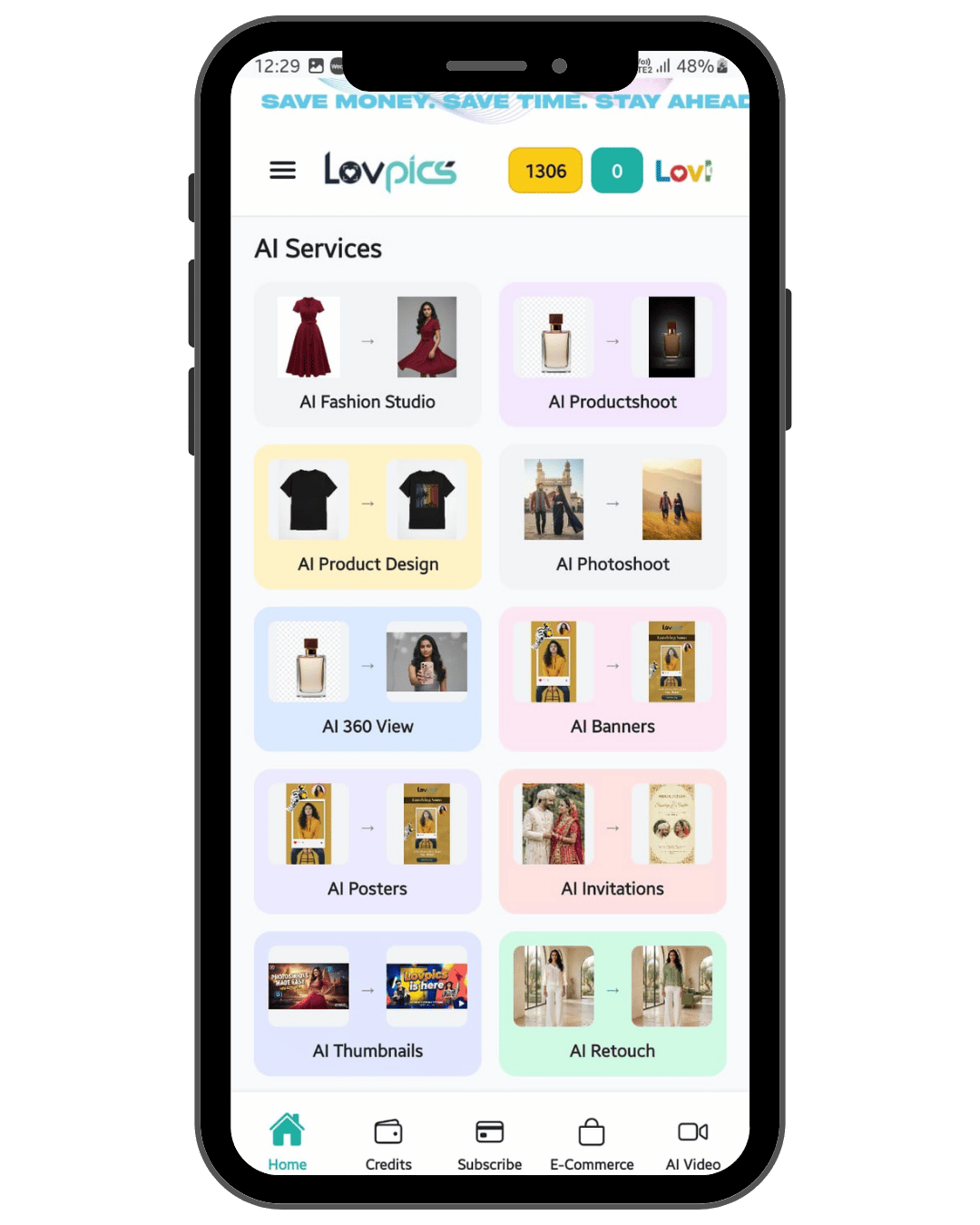
AI product photography for Shopify helps merchants generate consistent product page images—hero, alternates, and lifestyle—from uploads instead of reshooting every variant. Lovpics supports ecommerce visual production so you can refresh collections, test creatives, and keep PDPs full without studio bottlenecks.
Why this matters
Shopify conversion leans on clear product storytelling: multiple angles, context shots, and on-brand backgrounds. When SKU count grows, manual photography becomes the bottleneck; AI production keeps pages complete while you iterate merchandising and ads.
How it works
- Upload your Shopify product reference imagery.
- Create white-background and lifestyle sets aligned to your theme and collection story.
- Generate variant-friendly crops for thumbnails and gallery slots.
- Export and upload to Shopify media, or hand off to your ops workflow.
Best for
- Shopify Plus and high-SKU stores
- Fashion, accessories, and home brands
- Brands running frequent drops
- Teams splitting work between marketing and operations
Traditional photoshoot vs Lovpics
| Option | Cost | Speed | Scalability | Best for |
|---|---|---|---|---|
| Traditional photoshoot | High | Slow | Limited | Premium campaigns, hero imagery |
| Freelance designer | Medium | Medium | Medium | Manual edits, small batches |
| Generic AI image tool | Low | Fast | Low control | One-off experiments |
| Lovpics | Lower vs studio | Fast | High | Ecommerce visual production at scale |
Lovpics use cases
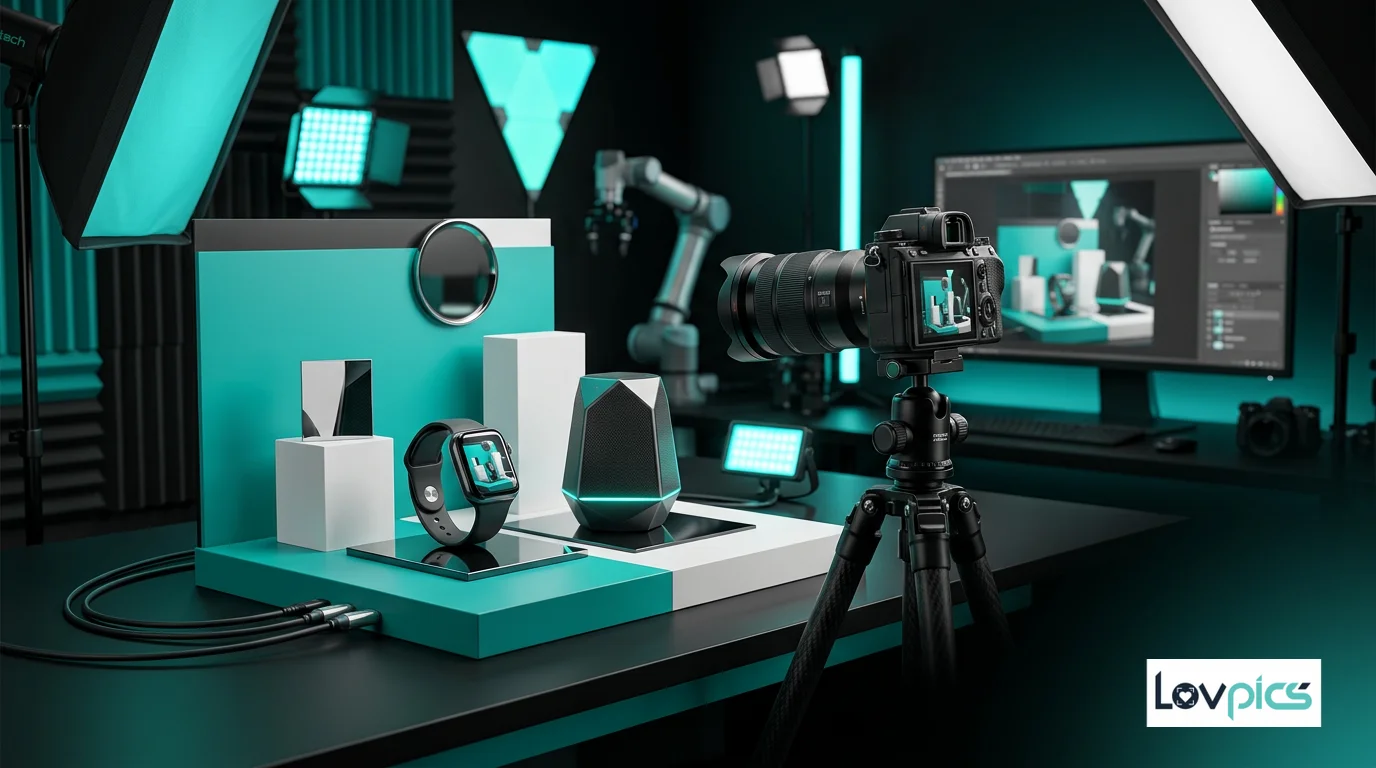
- AI product photos and catalog sets
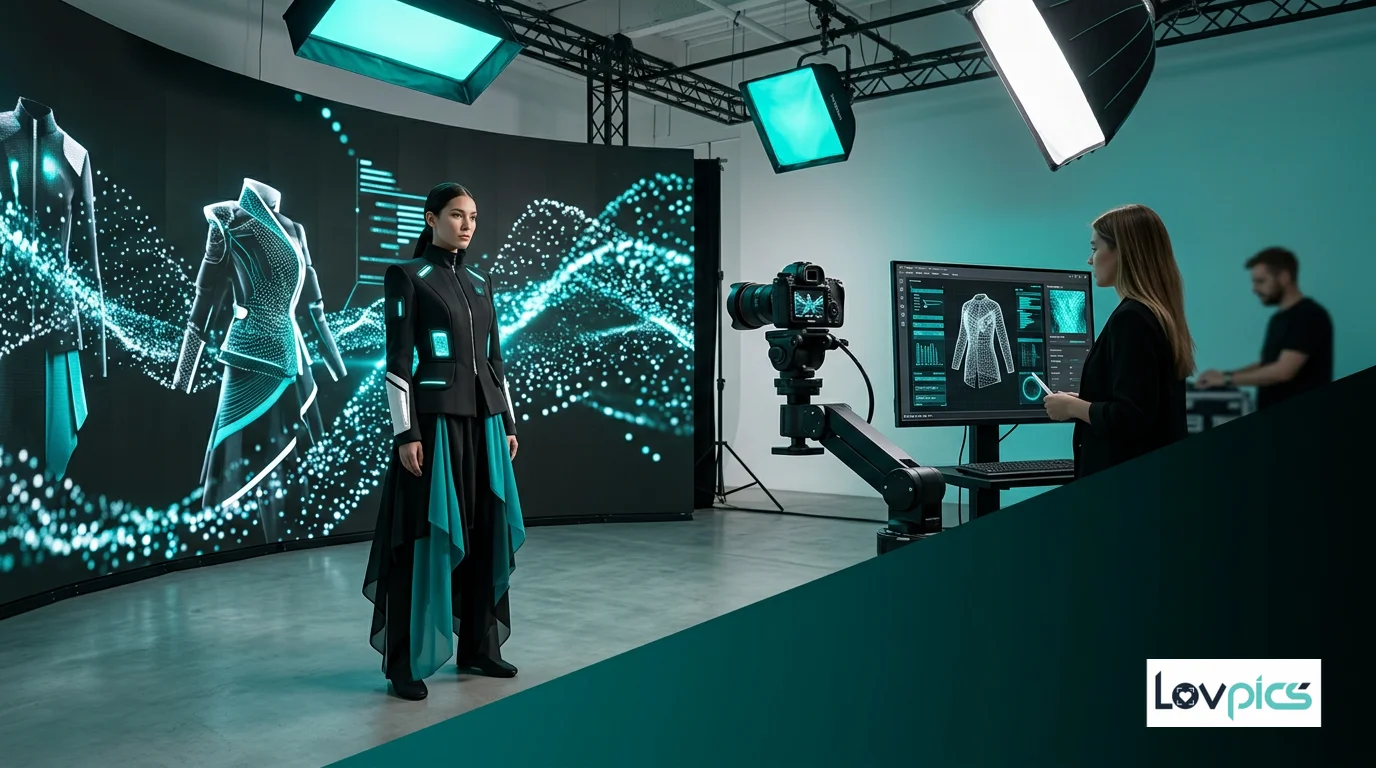
- AI fashion and on-model shots
- Lifestyle and campaign visuals
- Banners, thumbnails, and ad creatives
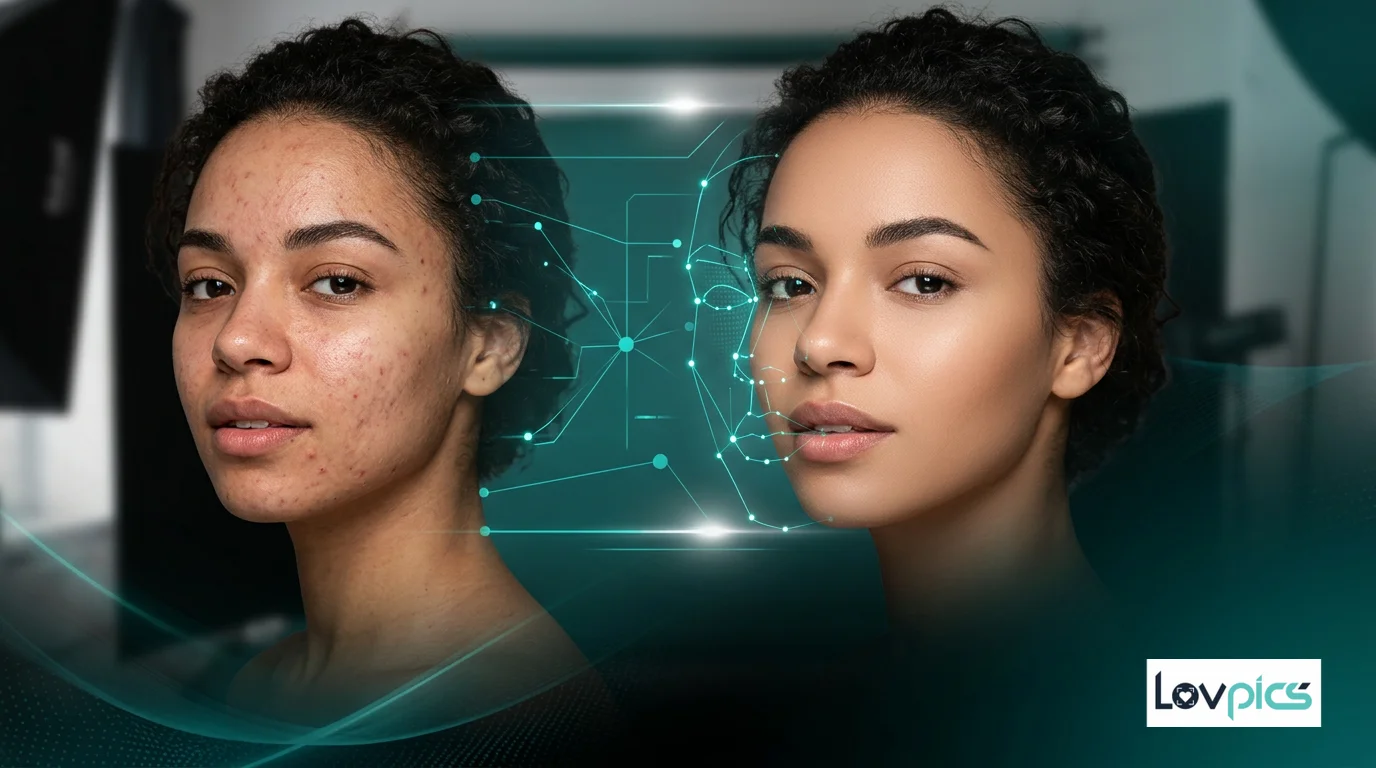
- Retouching and background control
- 360° and marketplace-oriented exports
Related on Lovpics
Frequently asked questions
Will AI images work with my Shopify theme?
Yes. Export the aspect ratios and resolutions your theme recommends so galleries and thumbnails stay sharp.
Can I keep visual consistency across collections?
You can reuse backgrounds, lighting recipes, and layouts so new SKUs match existing catalog pages.
What about lifestyle vs studio shots?
Many stores mix both: clean studio frames for comparison shopping and lifestyle frames for brand story sections—both are supported in a Lovpics-style workflow.
Do I need design skills?
No. The platform is built for operators and marketers; creative teams can still fine-tune when needed.
Create your first product visual with Lovpics
Upload a product photo and generate catalog-ready, campaign-ready visuals without booking a studio.