Precision Image Editing: Pixel-Level Control with AI
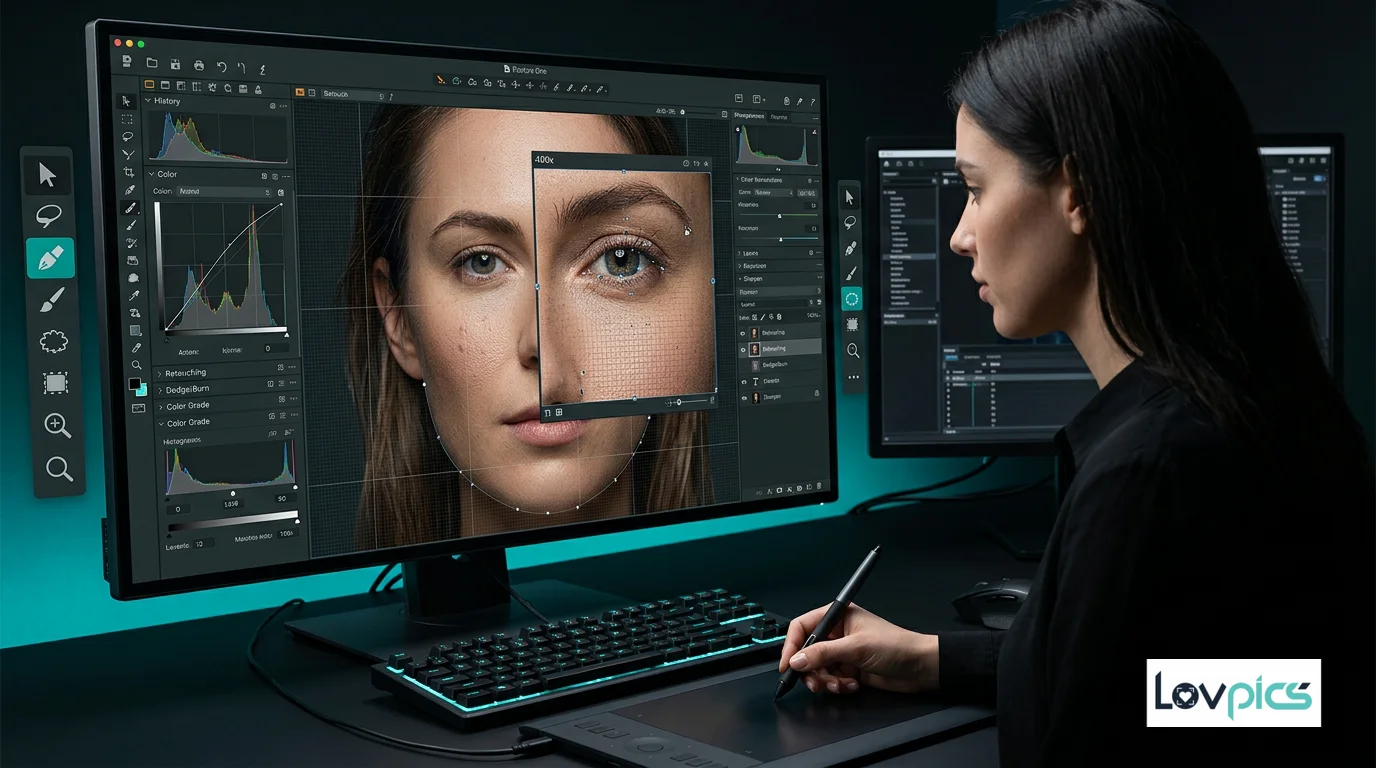
Most AI editing tools prioritize speed over accuracy. But when your visuals are almost perfect, even small mistakes are costly. Precision Image Editing brings pixel-level control to AI-powered editing, ensuring final-stage perfection without compromising realism.
The Challenge of Final-Stage Editing
Traditional AI editing tools excel at bulk processing and quick transformations. They're designed for speed and automation, making them perfect for initial edits and large-scale processing. However, when you reach the final stage of editing—when your image is 95% perfect and needs that last 5% of refinement—these tools often fall short.
The problem is that most AI editing tools lack the precision needed for fine-tuned adjustments. They might over-edit certain areas, change the character of the image, or lose realism in detailed regions. For professional campaigns and high-impact visuals, this level of imprecision is unacceptable.
What Is Precision Image Editing?
Precision Image Editing is an AI-powered editing approach that enables pixel-level control while maintaining the speed and efficiency of automated tools. It allows you to make highly accurate, detail-level edits without altering composition, pose, or the overall character of your image.
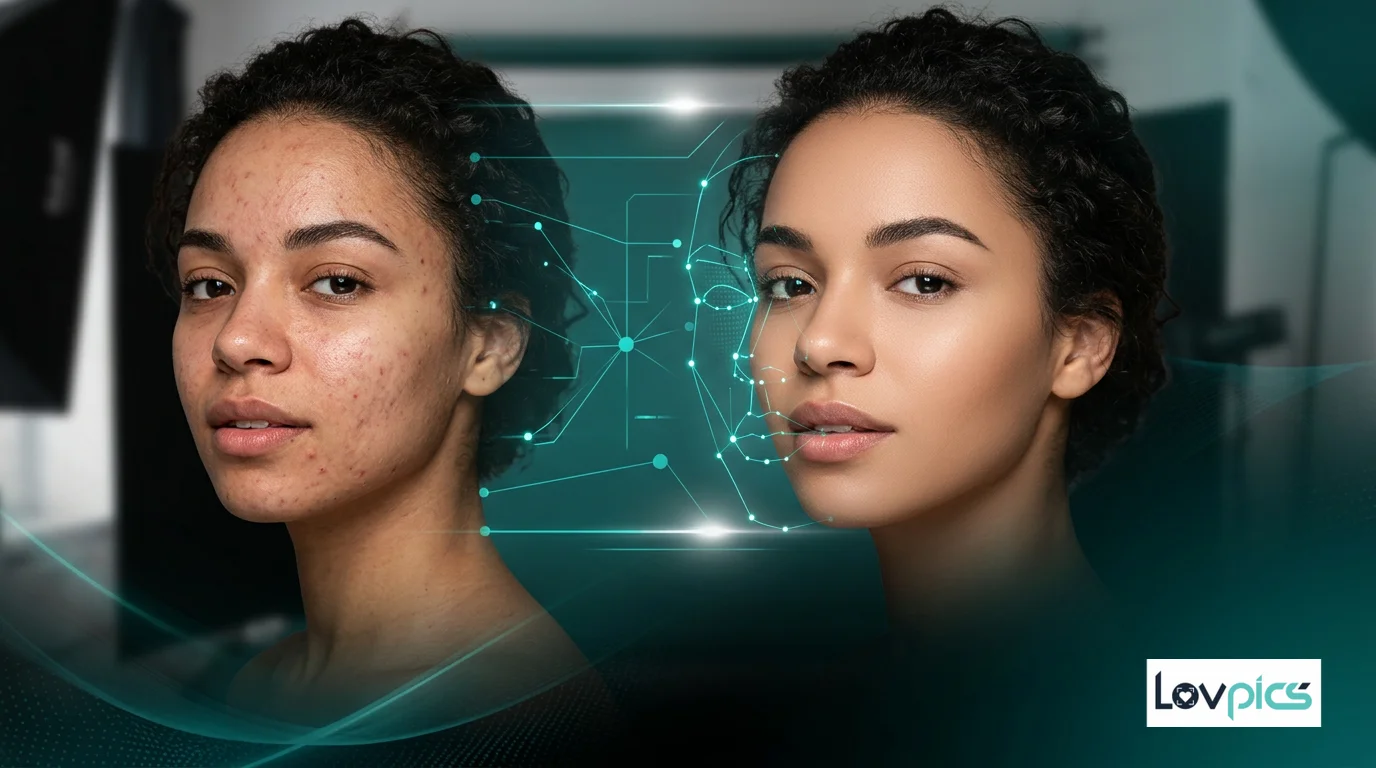
Unlike traditional AI editing that applies broad transformations, precision editing understands the context of each pixel. It can make fine adjustments to specific areas—like refining skin texture, adjusting lighting on individual elements, or correcting small imperfections—without affecting the rest of the image.
Key Features of Precision Editing
Precision Image Editing offers several key capabilities that set it apart from standard AI editing tools:
- Contextual Understanding: The AI understands the context of each edit, ensuring that adjustments maintain realism and don't alter unintended areas.
- Fine Control: Make adjustments at the pixel level while preserving the overall composition and character of your image.
- Selective Editing: Target specific areas for refinement without affecting the rest of the image.
- Realism Preservation: Maintain natural textures, lighting, and details even when making precise adjustments.
Use Cases for Precision Editing
Precision Image Editing is essential for several professional use cases:
Campaign Finalization: When your campaign images are almost perfect but need final polishing, precision editing ensures that every detail is refined without changing the overall aesthetic.
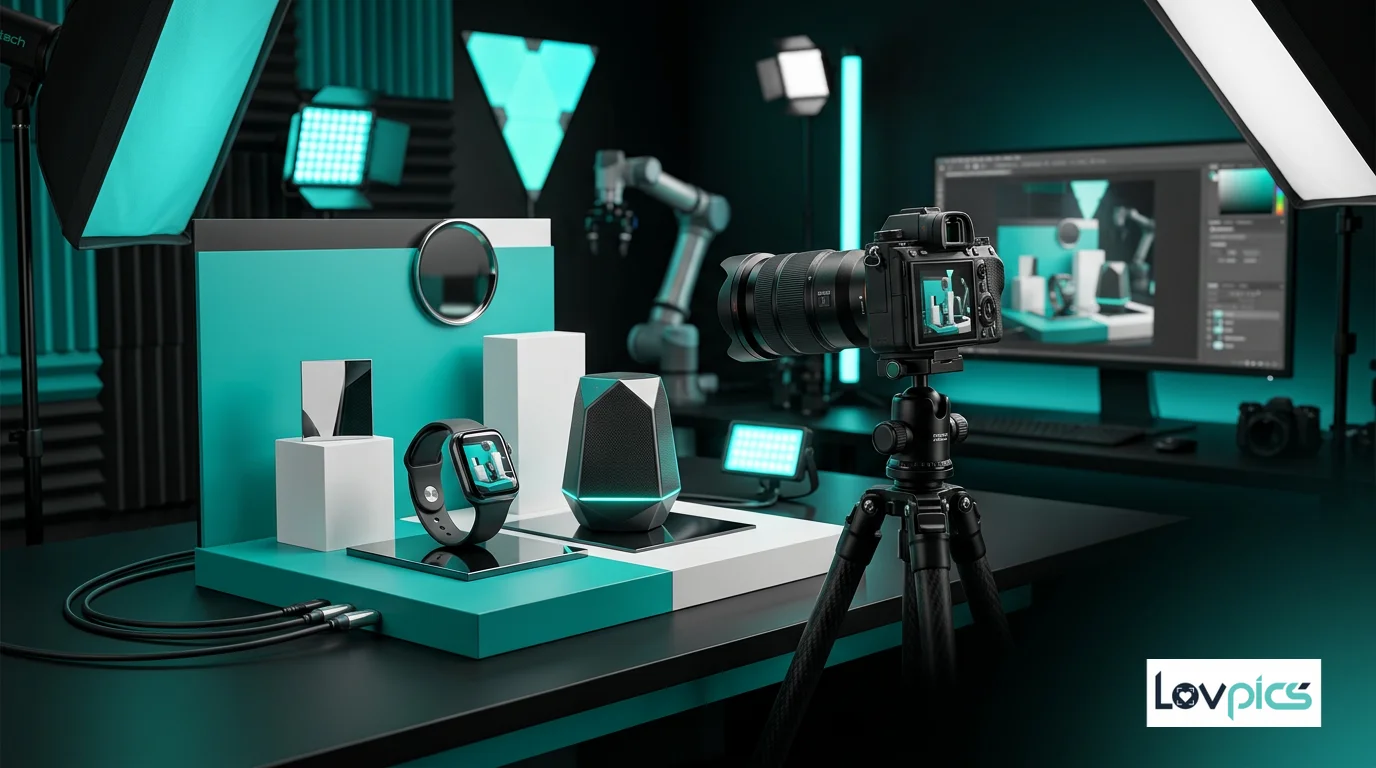
Product Photography: For e-commerce and product photography, precision editing allows you to refine product details, adjust lighting on specific areas, and correct imperfections while maintaining product accuracy.
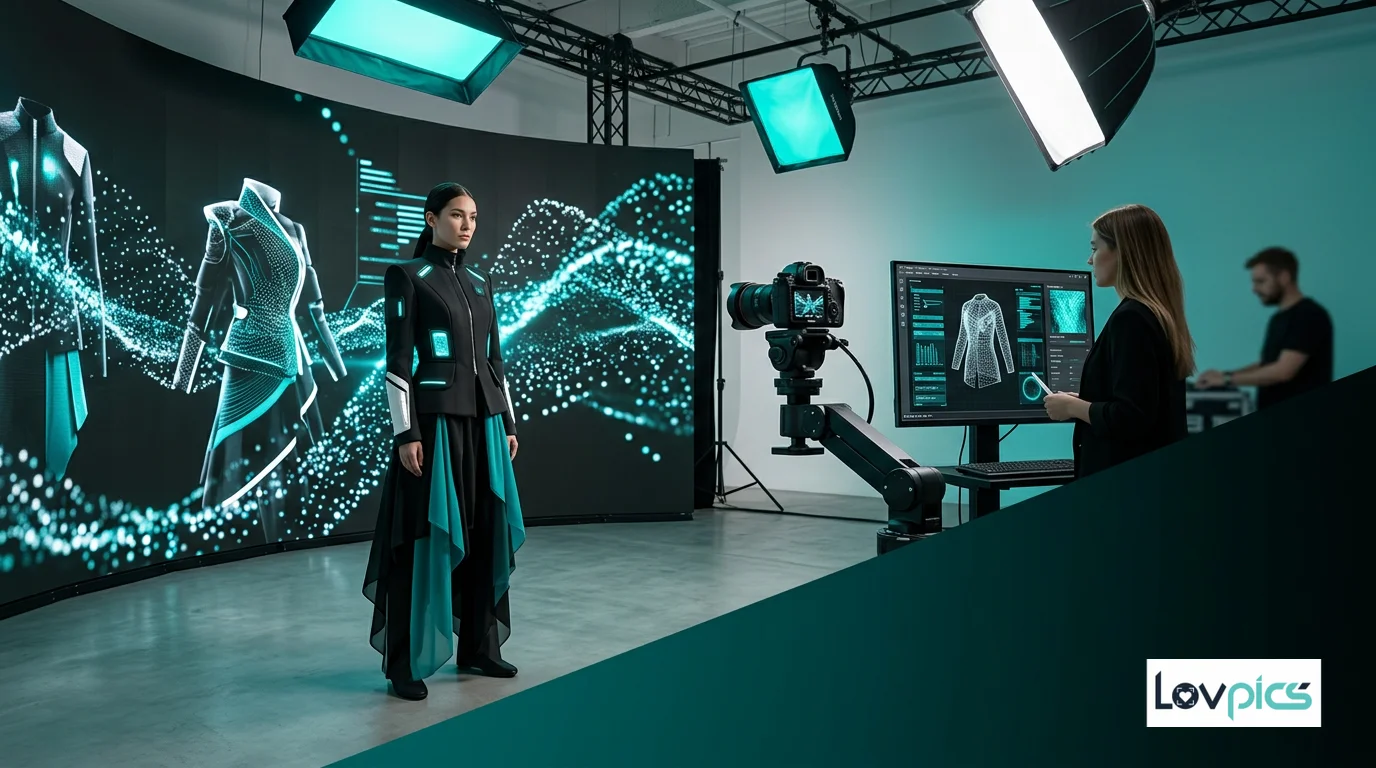
Fashion Photography: In fashion photography, precision editing helps refine skin textures, adjust fabric details, and perfect lighting on specific elements without altering the model's appearance or the overall mood.
Portrait Refinement: For portraits, precision editing enables subtle adjustments to skin, eyes, and other features while maintaining natural appearance and character.
Integration with Other Editing Tools
Precision Image Editing works seamlessly with other LovPics editing tools. You can use it alongside AI Retouch for comprehensive editing workflows, or combine it with Smart Image Editing for intelligent, context-aware adjustments.
For fashion and portrait work, precision editing complements Single-Point Smart Retouch, allowing you to make targeted adjustments to specific areas while maintaining overall consistency.
The Technology Behind Precision Editing
Precision Image Editing leverages advanced AI models that understand image structure, lighting, and texture at a granular level. These models can distinguish between different elements in an image—understanding that skin requires different treatment than fabric, or that product surfaces need different adjustments than backgrounds.
This contextual understanding enables the AI to make precise edits that maintain realism. Instead of applying broad filters or transformations, precision editing makes targeted adjustments that respect the natural characteristics of each element in your image.
Best Practices for Precision Editing
To get the best results from precision editing, follow these best practices:
- Start with Quality Images: Precision editing works best when applied to already well-composed images that need refinement rather than major corrections.
- Define Clear Objectives: Know exactly what you want to adjust before starting. Precision editing excels at targeted improvements.
- Work Incrementally: Make small, incremental adjustments rather than large changes. This preserves realism and gives you better control.
- Review Context: Always review how your edits affect the overall image. Precision editing maintains context, but it's important to verify the final result.
The Future of Professional Editing
As AI editing tools become more sophisticated, the demand for precision editing capabilities will only increase. Brands and professionals need tools that can handle both bulk processing and fine-tuned refinement—capabilities that precision editing provides.
This combination of speed and accuracy represents the future of professional image editing. It enables workflows that are both efficient and precise, allowing professionals to deliver high-quality results faster while maintaining the level of detail required for professional campaigns.
Frequently Asked Questions
How does precision editing differ from standard AI editing?
Standard AI editing applies broad transformations quickly, while precision editing enables pixel-level control with contextual understanding. Precision editing maintains realism and allows fine-tuned adjustments without altering unintended areas.
Can precision editing be used for bulk processing?
While precision editing excels at fine-tuned refinement, it can also be used for batch processing when you need consistent, accurate edits across multiple images. The AI maintains precision even when processing multiple images.
Does precision editing work with all image types?
Yes, precision editing works with product photography, fashion images, portraits, and other image types. The AI adapts its approach based on the content, ensuring appropriate treatment for different subjects.
How does precision editing maintain realism?
Precision editing uses advanced AI models that understand image structure, lighting, and texture at a granular level. This contextual understanding enables the AI to make edits that respect natural characteristics and maintain realistic appearance.
Edit with precision and confidence
Make fine-tuned adjustments without compromising realism or image quality.