Custom Model Upload: Train AI Models for Your Brand
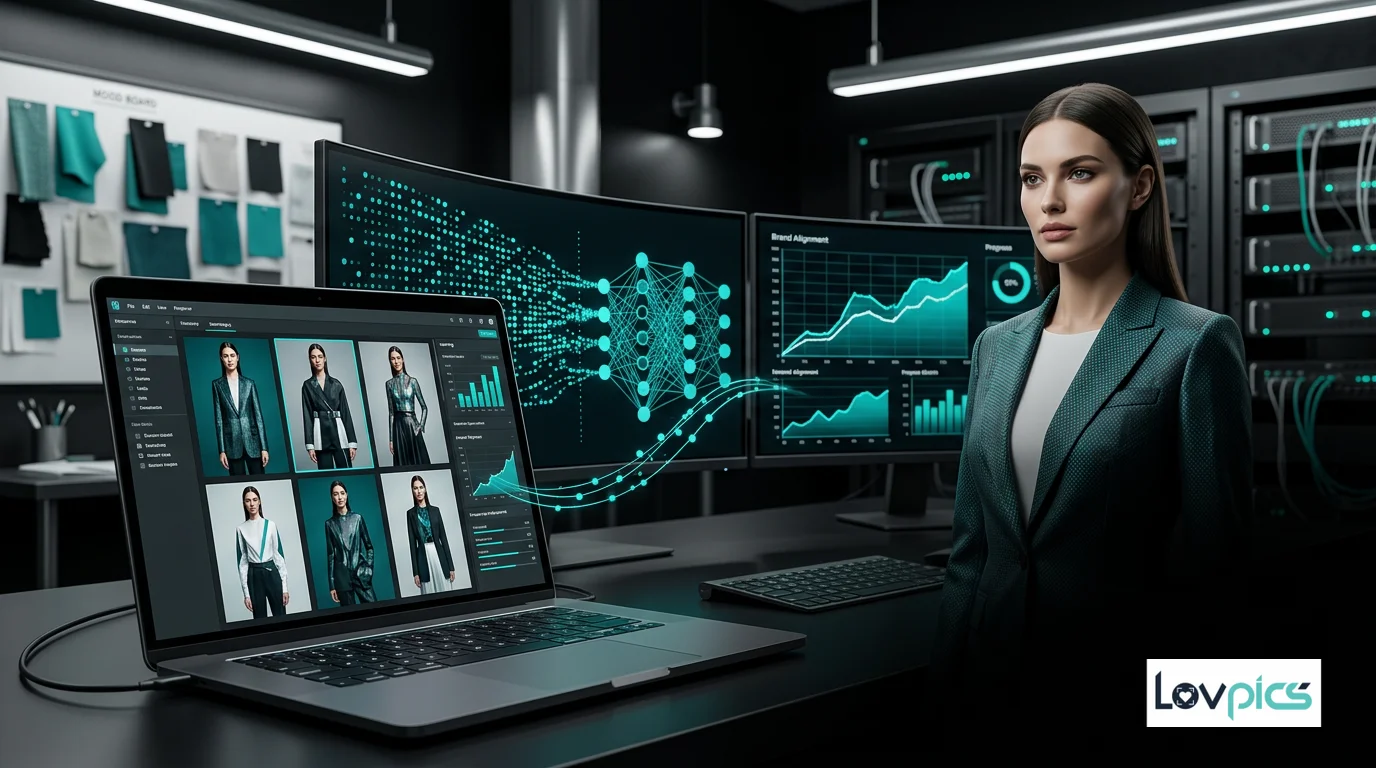
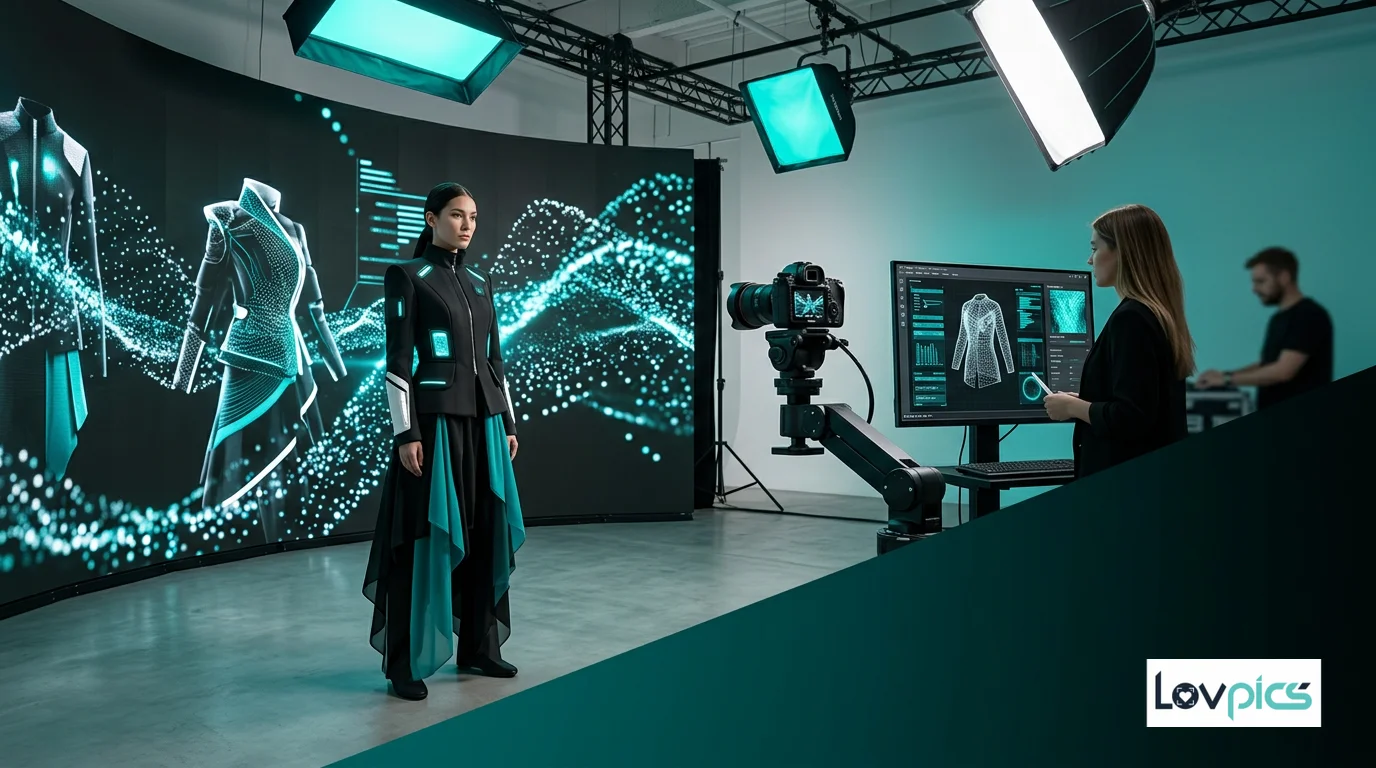
Brand consistency is the cornerstone of successful fashion marketing. When customers see your products, they should immediately recognize your brand's unique aesthetic. Custom Model Upload in LovPics allows you to train AI models specifically on your brand's models, ensuring every generated image maintains your distinct visual identity.
Why Custom Model Upload Matters
In the competitive world of fashion e-commerce, maintaining brand consistency across thousands of product images is challenging. Traditional photoshoots require coordinating schedules, managing multiple models, and ensuring consistent styling. With Custom Model Upload, you can create a digital model library that represents your brand perfectly, available 24/7 for unlimited image generation.
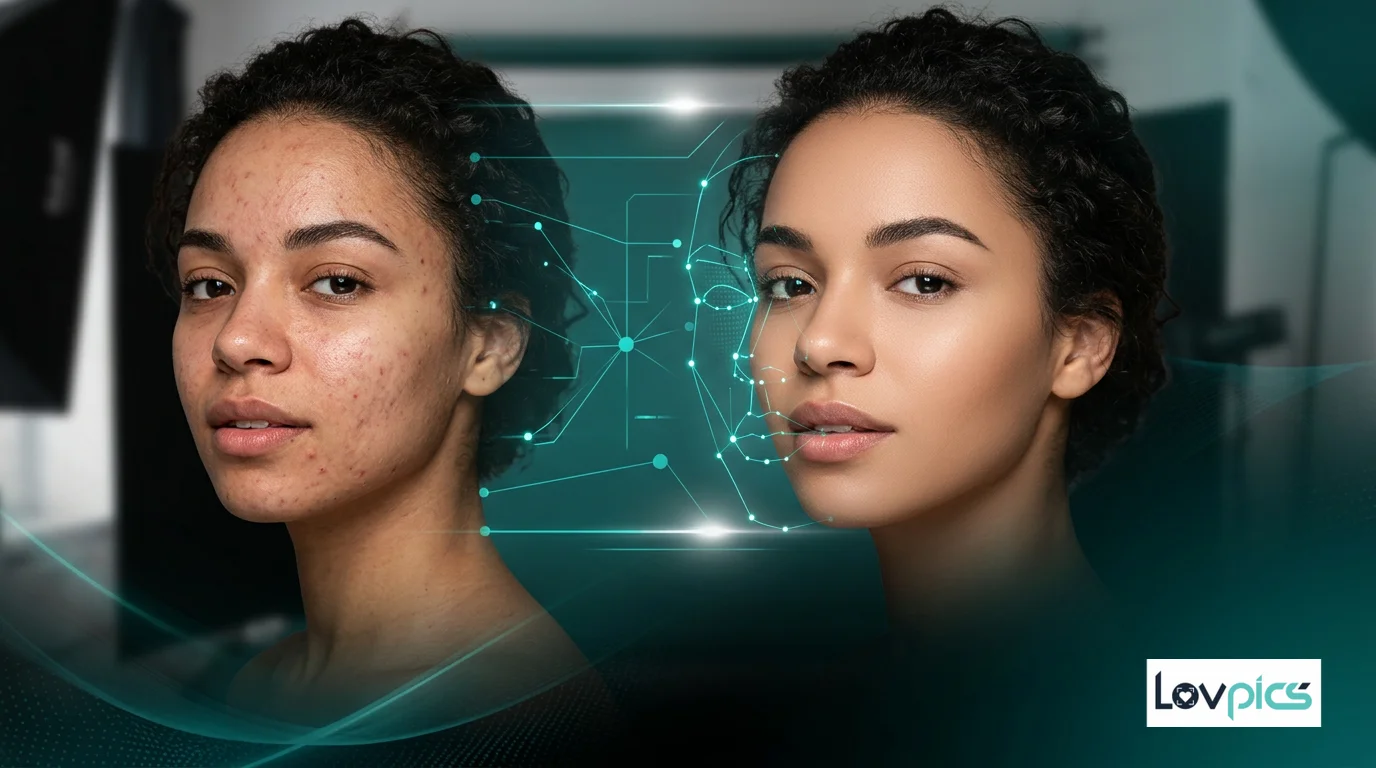
The technology behind custom model training is sophisticated yet accessible. When you upload images of your models to LovPics AI Fashion Models, our AI analyzes facial features, body proportions, skin tone, and unique characteristics. This creates a digital representation that can be used across all your AI Fashion Studio generations, ensuring every image features your brand's signature look.
How Custom Model Upload Works
The process begins with uploading high-quality reference images of your models. These images should showcase the model from multiple angles, with clear facial features and consistent lighting. The AI uses these references to learn the model's unique characteristics, creating a digital profile that can be applied to any apparel or product.
Once your custom model is trained, you can use it across all LovPics tools. Whether you're creating E-commerce Image Packs or generating Multi-Pose Generation content, your custom model ensures brand consistency. The model understands your brand's aesthetic preferences and applies them automatically to every generation.
Best Practices for Model Upload
To achieve the best results with Custom Model Upload, follow these guidelines:
- Image Quality: Upload high-resolution images (minimum 1024x1024 pixels) with clear facial features and good lighting.
- Multiple Angles: Include front-facing, profile, and three-quarter angle shots to help the AI understand facial structure.
- Consistent Lighting: Use images with similar lighting conditions to ensure accurate model representation.
- Diverse Expressions: Include images with different expressions and poses to create a more versatile model.
- Background Variety: While backgrounds don't affect model training, diverse backgrounds help the AI focus on the model's features.
Integration with Other LovPics Tools
Custom Model Upload integrates seamlessly with all LovPics tools. Once trained, your custom model can be used with AI Creative Director to generate creative concepts, with Apparel Color Switch to visualize color variations, and with Smart Image Editing for post-production adjustments.
The power of custom models extends beyond single image generation. When combined with Bulk Image Export, you can generate hundreds of images featuring your custom model in different outfits, poses, and settings, all maintaining perfect brand consistency.
Commercial Benefits
Custom Model Upload offers significant commercial advantages. By training models that represent your brand, you eliminate the need for repeated photoshoots with the same models. This reduces costs, saves time, and ensures consistent quality across all your marketing materials.
For brands with multiple product lines, custom models allow you to maintain visual consistency while showcasing different collections. Whether you're launching a new seasonal line or expanding into new categories, your custom models ensure every image aligns with your brand identity.
Privacy and Rights Management
LovPics takes model rights and privacy seriously. When you upload custom models, you retain full commercial rights to all generated images. The AI model training process respects privacy guidelines, and you have complete control over how your custom models are used.
All custom models are stored securely and can be managed through your LovPics dashboard. You can update models with new reference images, create variations, or archive models that are no longer in use.
Frequently Asked Questions
How many images do I need to upload for custom model training?
We recommend uploading 10-20 high-quality images of your model from different angles. This provides the AI with enough information to create an accurate digital representation while maintaining flexibility for various poses and expressions.
Can I use custom models for commercial purposes?
Yes, all images generated using custom models come with full commercial usage rights. You can use them for e-commerce, marketing campaigns, social media, and any other commercial purposes without restrictions.
How long does it take to train a custom model?
Custom model training typically takes 5-10 minutes after you upload your reference images. Once training is complete, you'll receive a notification and can immediately start using your custom model for image generation.
Can I update my custom model with new images later?
Absolutely! You can add new reference images to your custom model at any time. This allows you to refine the model's accuracy or adapt it as your brand evolves. The updated model will incorporate the new images in future generations.
What's the difference between Custom Model Upload and Studio-Ready Manual Models?
Custom Model Upload allows you to train AI on your own model images, while Studio-Ready Manual Models are pre-trained models available in the LovPics library. Custom models offer complete brand control, while manual models provide quick access to diverse, professional models.
Start building your custom model library
Create unlimited brand-consistent visuals with your own models.