Background Color GIFs: Dynamic 360° Product Animations
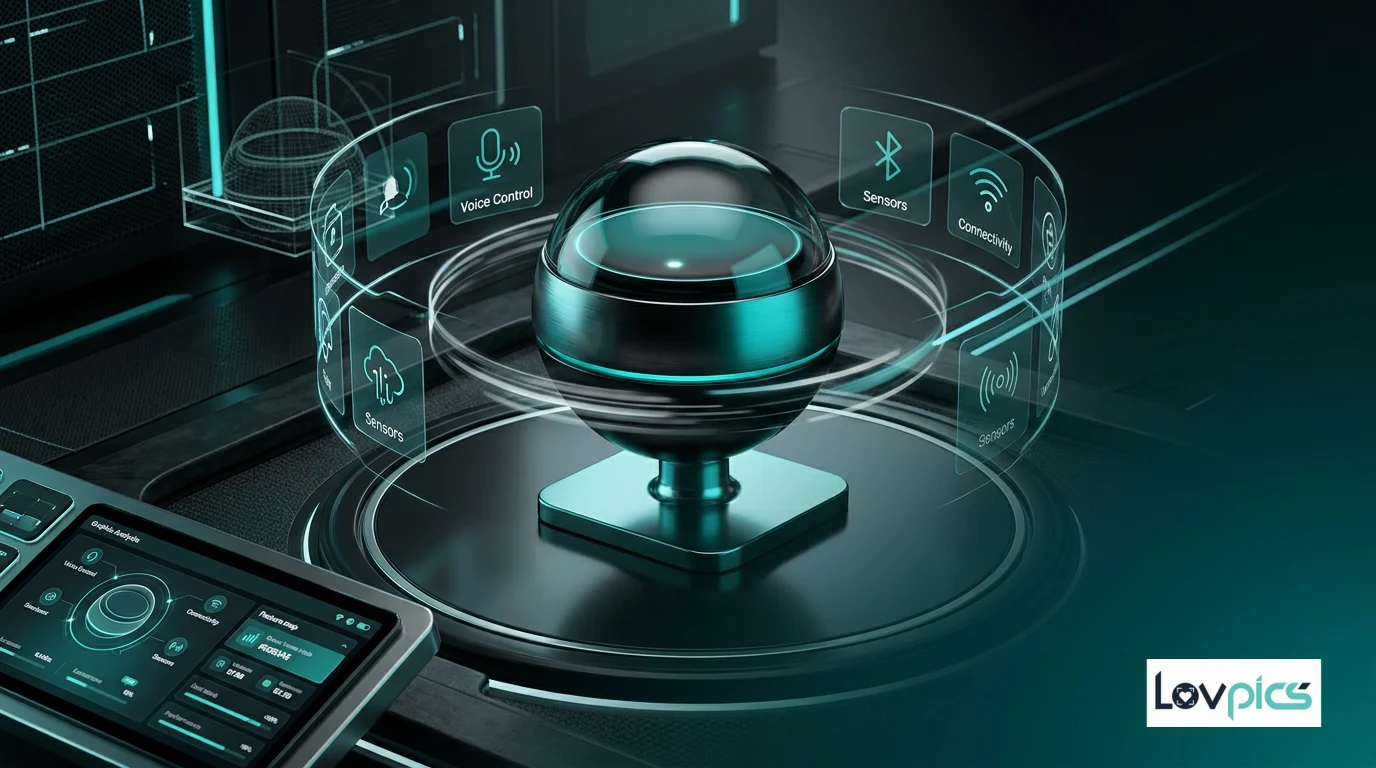
Static product visuals fade into the background on crowded e-commerce pages. Background Color GIFs combine 360° product rotation with dynamic color changes, creating animations that grab attention and drive engagement.
The Challenge of Standing Out
E-commerce platforms are crowded spaces. Thousands of products compete for customer attention, and static images often blend into the background. Even great products can go unnoticed if their visuals don't capture attention in the first few seconds.
Motion attracts the eye, but simple rotation isn't always enough. Background Color GIFs add another layer of visual interest by changing background colors throughout the animation, creating a dynamic effect that makes products stand out while maintaining focus on the product itself.
What Are Background Color GIFs?
Background Color GIFs are animated product showcases that combine 360° product rotation with changing background colors. As the product rotates, the background transitions through different colors, creating a visually engaging animation that draws attention without distracting from the product.
This combination of motion and color creates a compelling visual experience. The rotating product shows all angles, while the changing background adds visual interest and helps the product stand out on crowded pages.
Benefits for E-commerce
Background Color GIFs offer several advantages for e-commerce brands:
- Increased Visibility: Dynamic animations stand out on product listing pages, increasing click-through rates.
- Better Engagement: Motion and color changes keep viewers engaged longer, increasing the time they spend viewing your products.
- Brand Consistency: Use brand colors in your GIFs to reinforce brand identity while showcasing products.
- Social Media Ready: These GIFs work perfectly for social media, where motion and color drive engagement.
Creating Effective Background Color GIFs
To create effective Background Color GIFs, consider these best practices:
Color Selection: Choose colors that complement your product and brand. High-contrast colors can make products pop, while brand colors reinforce identity.
Transition Speed: Balance background color changes with product rotation speed. Too fast can be distracting, while too slow may not capture attention effectively.
Product Focus: Ensure the product remains the focal point. Background colors should enhance, not compete with, the product itself.
Integration with 360 Generation
Background Color GIFs work seamlessly with Multi-Frame 360 Generation. Start with a 360° product view, then add dynamic background colors to create engaging animations.
You can also combine Background Color GIFs with GIF Speed Control to fine-tune the animation pace, ensuring your GIFs match the mood and platform requirements.
Use Cases for Background Color GIFs
Background Color GIFs are perfect for several use cases:
Product Listing Pages: Use animated GIFs on product listing pages to make your products stand out and increase click-through rates.
Social Media Marketing: Create engaging social media content that captures attention in feeds and drives traffic to your products.
Email Campaigns: Add animated GIFs to email campaigns to increase engagement and showcase products dynamically.
Landing Pages: Use Background Color GIFs on landing pages to create visual interest and highlight featured products.
The Psychology of Motion and Color
The combination of motion and color in Background Color GIFs leverages psychological principles that drive engagement. Motion naturally attracts the eye, while color changes create visual interest and maintain attention.
This combination is particularly effective in digital environments where attention spans are short. Background Color GIFs create a visual experience that captures attention quickly and keeps viewers engaged longer than static images.
Technical Considerations
When creating Background Color GIFs, consider file size and loading speed. Optimize your GIFs to ensure fast loading times while maintaining visual quality. The AI-powered generation ensures smooth color transitions and consistent product appearance throughout the animation.
For platforms with specific requirements, you can adjust animation speed, color transition timing, and rotation direction to match platform best practices and user expectations.
Frequently Asked Questions
How many colors can I use in a Background Color GIF?
You can specify multiple colors for your Background Color GIF. The AI smoothly transitions between colors throughout the animation, creating a dynamic effect. Choose colors that complement your product and brand identity.
Can I control the speed of color transitions?
Yes, you can control both the product rotation speed and the background color transition speed. Use GIF Speed Control to fine-tune the animation pace to match your needs and platform requirements.
Do Background Color GIFs work on all platforms?
Yes, Background Color GIFs work on most e-commerce platforms, social media, and websites. They're particularly effective on platforms that support animated GIFs, such as Amazon, Instagram, and Facebook.
How do Background Color GIFs affect page load times?
When optimized properly, Background Color GIFs have minimal impact on page load times. The AI generates efficient animations that balance visual quality with file size, ensuring fast loading while maintaining visual appeal.
Make your products stand out
Create dynamic product animations that capture attention and drive engagement.