AI Background Replacement: Change Image Backgrounds Instantly

Traditional background editing requires manual cutouts, masking, and hours of work. AI Background Replacement changes image backgrounds instantly while keeping subjects perfectly natural—no cutouts, no masking, just clean results.
The Challenge of Background Editing
Changing image backgrounds traditionally involves complex workflows: manual cutouts, precise masking, edge refinement, and lighting adjustments. This process is time-consuming, error-prone, and requires significant design skills.
Even with professional tools, background replacement can result in broken edges around hair or fabric, inconsistent lighting, and unnatural-looking results. For brands that need to change backgrounds frequently—for different campaigns, platforms, or seasons—this manual process is simply not scalable.
What Is AI Background Replacement?
AI Background Replacement uses advanced AI to replace image backgrounds instantly without manual cutouts or masking. The technology understands image structure, lighting, and depth, allowing it to separate subjects from backgrounds accurately and naturally.
The AI maintains realistic lighting, shadows, and reflections, ensuring that subjects look natural in their new backgrounds. Whether you need studio backgrounds, lifestyle settings, branded environments, or minimal backgrounds, AI Background Replacement delivers professional results instantly.
Benefits for Brands and Creators
AI Background Replacement offers several advantages:
- Time Savings: Replace backgrounds in seconds instead of hours, enabling faster content creation workflows.
- Consistency: Maintain consistent backgrounds across campaigns and platforms without manual adjustments.
- Quality: Achieve professional results with natural-looking edges and realistic lighting.
- Scalability: Process hundreds of images quickly, making it perfect for large-scale campaigns.
Use Cases for Background Replacement
AI Background Replacement is perfect for several scenarios:
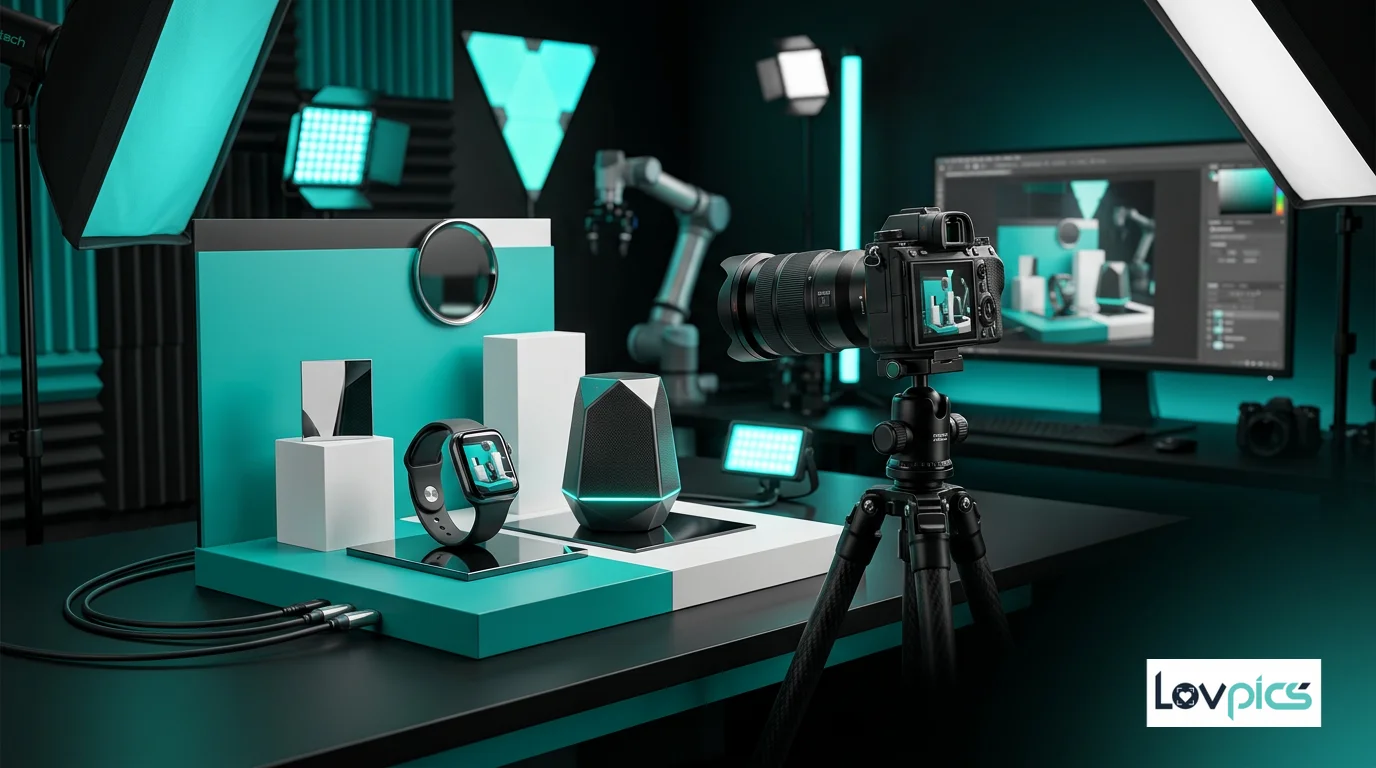
E-commerce Product Photography: Create consistent product images with clean backgrounds for listings, or switch to lifestyle backgrounds for marketing materials.
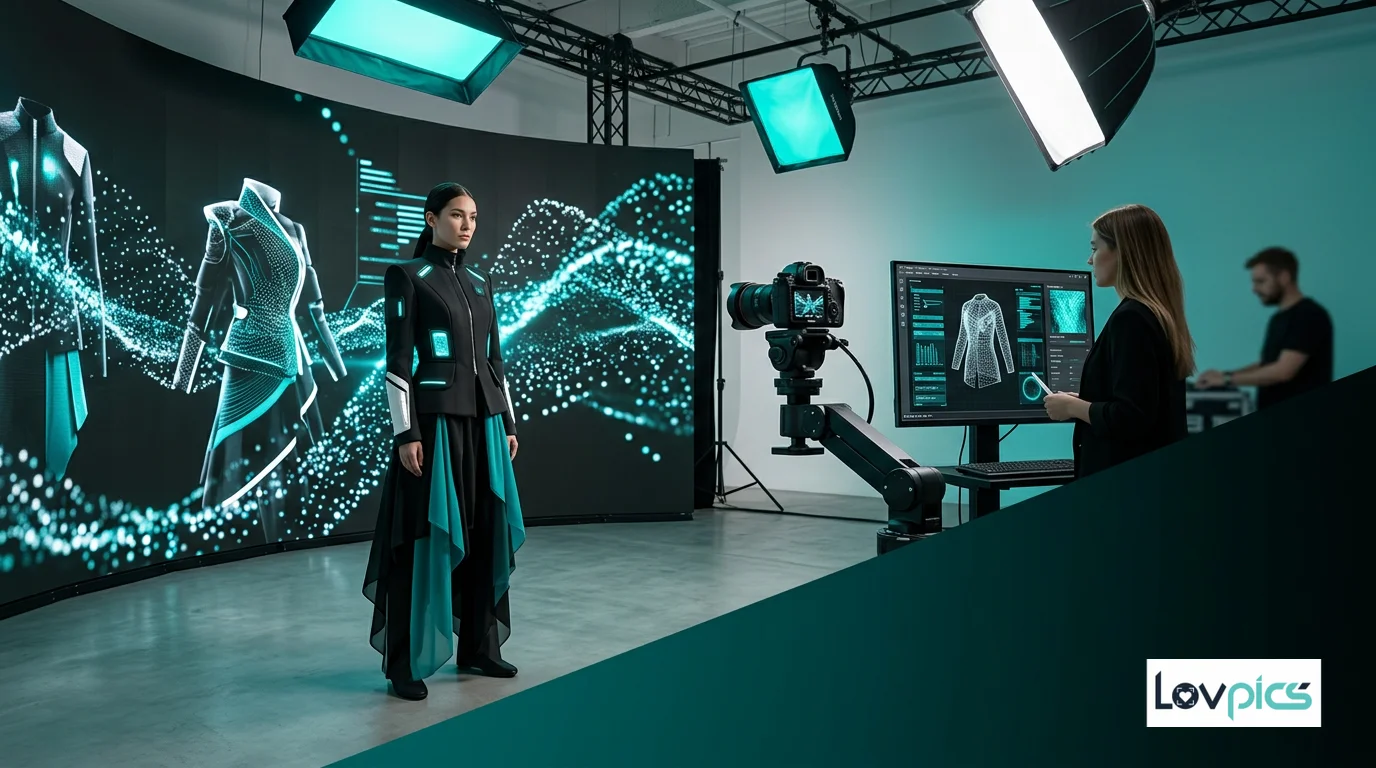
Fashion Photography: Change backgrounds to match campaign themes, seasons, or brand aesthetics without reshoots.
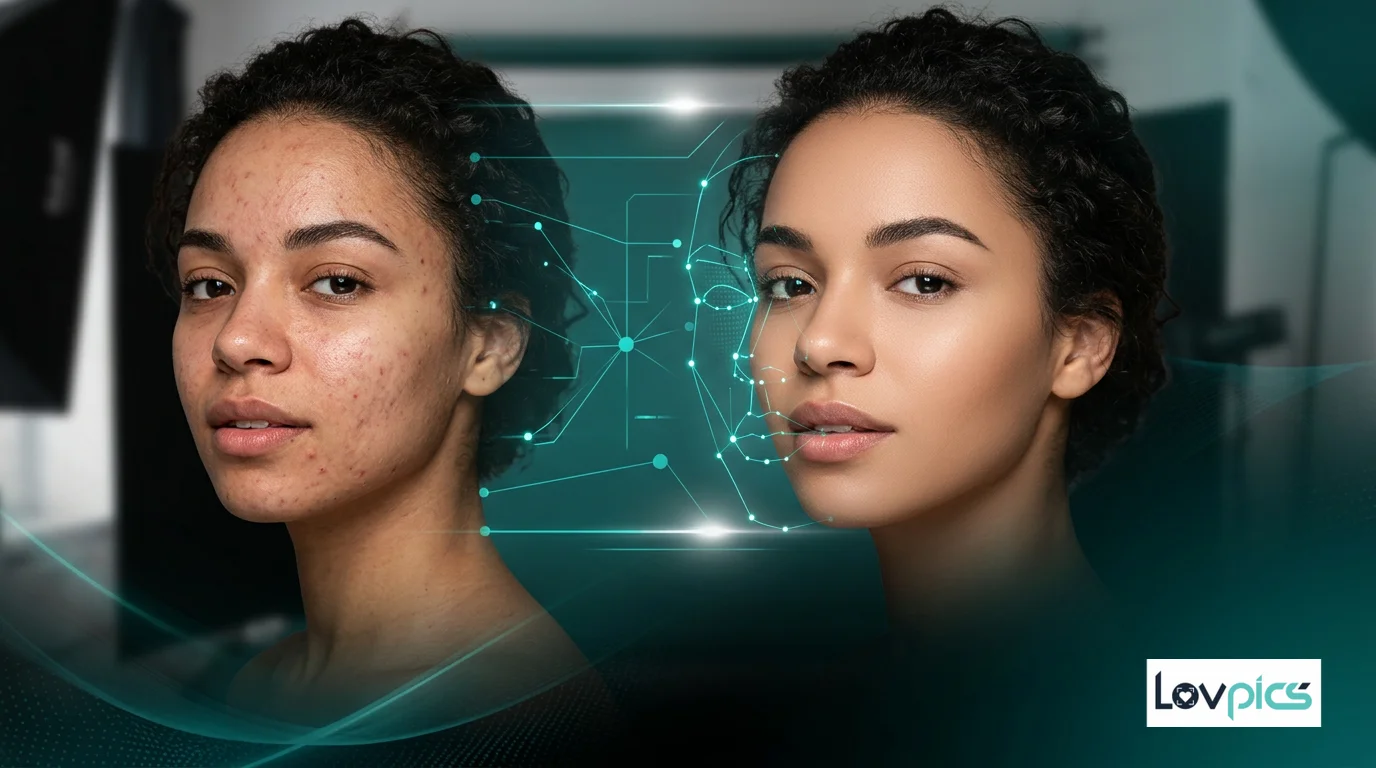
Portrait Photography: Replace backgrounds in portraits for professional headshots, social media, or marketing materials.
Marketing Campaigns: Adapt images for different campaigns, platforms, or regions by changing backgrounds while keeping subjects consistent.
Integration with Other Tools
AI Background Replacement works seamlessly with other LovPics features. Combine it with AI Retouch for comprehensive image editing workflows, or use it alongside Precision Image Editing for fine-tuned adjustments.
For product photography, background replacement complements AI Product Photoshoot tools, allowing you to create consistent product images with different backgrounds for various use cases.
Technical Excellence
The AI behind Background Replacement understands image structure at a deep level. It can accurately identify subjects, understand lighting and shadows, and maintain realistic appearance when placing subjects in new backgrounds.
This technical capability ensures that edges look natural, lighting matches new backgrounds, and subjects appear realistic in their new environments. The AI doesn't just cut out subjects—it understands how they should appear in different contexts.
Best Practices for Background Replacement
To get the best results from AI Background Replacement, follow these best practices:
Choose Appropriate Backgrounds: Select backgrounds that match the lighting and mood of your original image for the most natural results.
Consider Subject Lighting: Ensure your subject's lighting direction matches the new background to maintain realism.
Test Different Options: Try multiple background options to find what works best for your specific use case and brand aesthetic.
Review Edge Quality: Check edges around hair, fabric, or fine details to ensure natural appearance.
The Future of Image Editing
AI Background Replacement represents a shift in how images are edited. Instead of manual, time-consuming processes, AI enables instant, professional-quality background changes that maintain realism and natural appearance.
This capability makes background replacement accessible to everyone, not just professional designers. Brands can now adapt images quickly for different campaigns, platforms, and use cases without the cost and complexity of traditional editing workflows.
Frequently Asked Questions
How accurate is AI background replacement?
AI Background Replacement is highly accurate, especially for clear subjects against distinct backgrounds. The AI understands image structure and maintains natural edges, even around hair and fine details.
Can I replace backgrounds with custom images?
Yes, you can replace backgrounds with custom images, solid colors, or AI-generated backgrounds. The AI ensures subjects look natural in their new environments.
Does background replacement work with all image types?
AI Background Replacement works best with clear subjects against distinct backgrounds. Complex scenes with overlapping elements may require additional refinement.
How does AI maintain realistic lighting?
The AI understands lighting direction and intensity in both the original image and new background. It adjusts shadows and highlights to ensure subjects look natural in their new environments.
Transform your images instantly
Replace backgrounds without manual work or design skills.