How to Make AI Product Photos That Don't Look Fake
To make AI product photos that don't look fake, start from sharp reference images, preserve the product's exact details, use believable lighting and contact shadows, keep scale and perspective accurate, and avoid over-stylized backgrounds. Lovpics is built around detail preservation so outputs stay realistic.
Common tells of fake AI photos (and the fix)
- No shadow / floating product → keep natural contact shadows and grounding.
- Warped logos or text → use detail-preserving generation from sharp references.
- Impossible reflections → choose realistic lighting setups, especially for glossy items.
- Wrong scale → include scale cues and keep proportions accurate.
- Plastic textures → preserve real material texture from the source image.
- Over-stylized backgrounds → favor clean, believable environments.
How it works
- Start with sharp, well-lit reference photos of the product.
- Use detail-preserving generation so logos, text, and texture stay intact.
- Choose believable lighting with natural contact shadows.
- Keep scale, perspective, and proportions accurate.
- Review at full resolution and regenerate any unrealistic frames.
Traditional photoshoot vs Lovpics
| Option | Cost | Speed | Scalability | Best for |
|---|---|---|---|---|
| Traditional photoshoot | High | Slow | Limited | Premium campaigns, hero imagery |
| Freelance designer | Medium | Medium | Medium | Manual edits, small batches |
| Generic AI image tool | Low | Fast | Low control | One-off experiments |
| Lovpics | Lower vs studio | Fast | High | Ecommerce visual production at scale |
Lovpics use cases
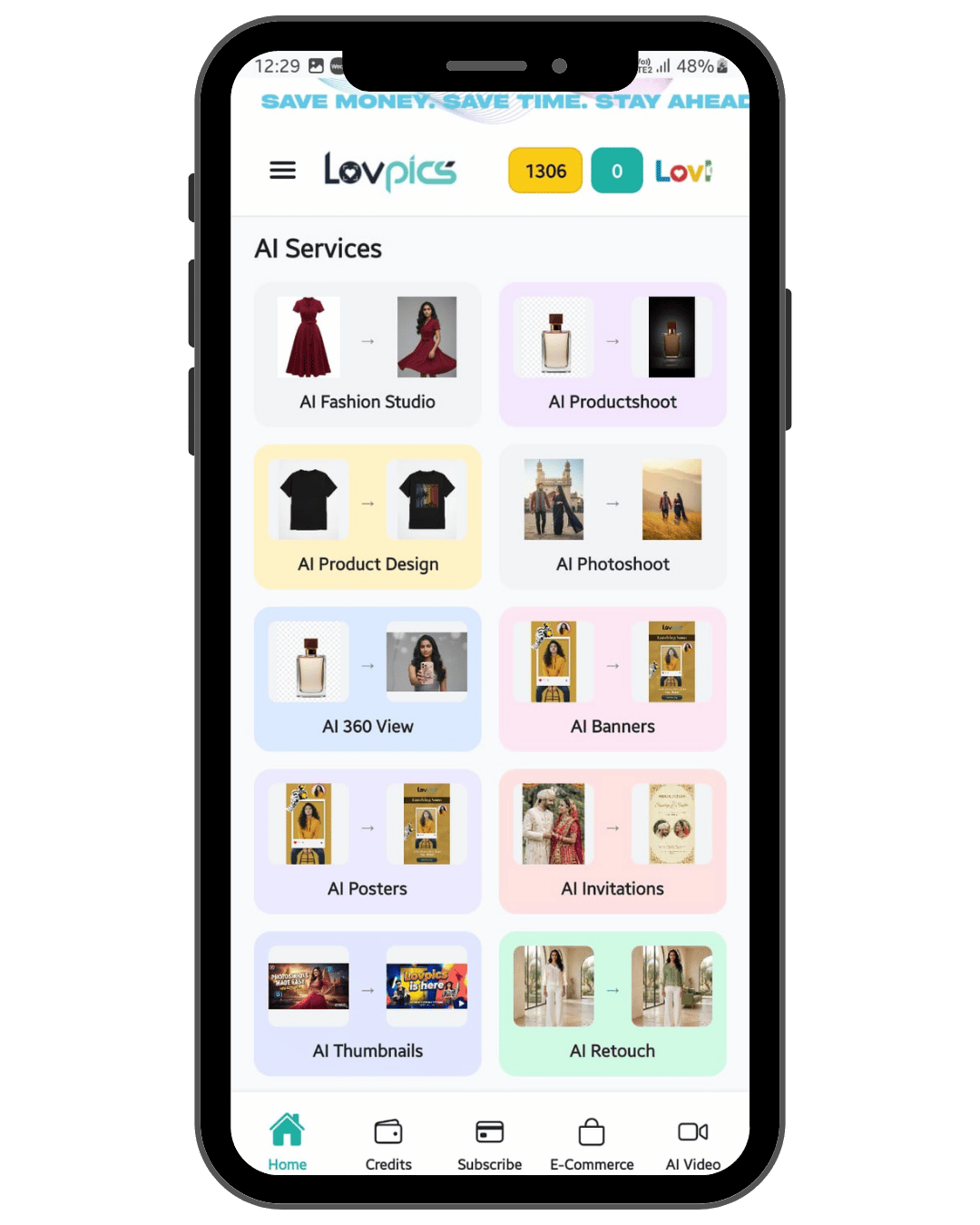
- AI product photos and catalog sets
- AI fashion and on-model shots
- Lifestyle and campaign visuals
- Banners, thumbnails, and ad creatives
- Retouching and background control
- 360° and marketplace-oriented exports
Related on Lovpics
Frequently asked questions
How do I make AI product photos that don't look fake?
Start from sharp references, preserve the product's exact details, use believable lighting with natural shadows, keep scale accurate, and avoid over-stylized backgrounds. A detail-preserving tool like Lovpics keeps outputs realistic.
Why do AI product photos sometimes look unrealistic?
Common causes are missing shadows, warped logos or text, impossible reflections, wrong scale, and plastic-looking textures. Each is fixable with better inputs and detail preservation.
Does Lovpics keep my logo and product details intact?
Yes. Lovpics is built around preserving the product's logo, pattern, texture, and geometry while changing only the scene, model, or background.
How important is the input photo quality?
Very. Sharp, well-lit reference images are the single biggest factor in realistic output, especially for branded or reflective products.
Create your first product visual with Lovpics
Upload a product photo and generate catalog-ready, campaign-ready visuals without booking a studio.