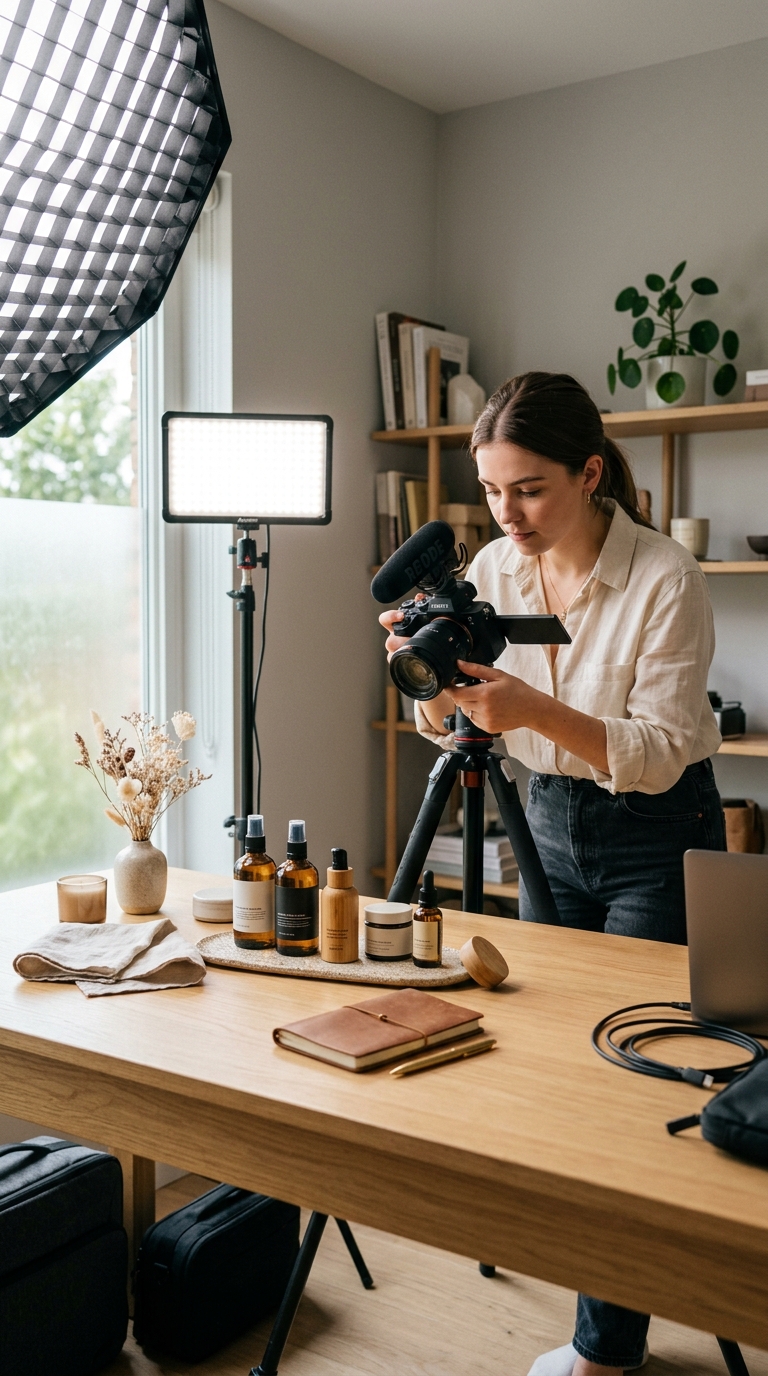
How to Take Product Photos for Your Online Store at Home
You can take product photos for your online store at home with a smartphone, soft natural light, and a clean backdrop — then use AI to remove backgrounds and generate lifestyle and on-model versions. This gives you catalog-ready images without a studio.
Simple home photo setup
- Light: shoot near a large window with soft, indirect daylight.
- Backdrop: a white sheet or poster board, curved up behind the product.
- Camera: a modern phone on a tripod or steady surface.
- Angles: capture front, sides, top, and detail shots.
- Focus & exposure: tap to focus, avoid harsh shadows and glare.
Then let AI finish the job
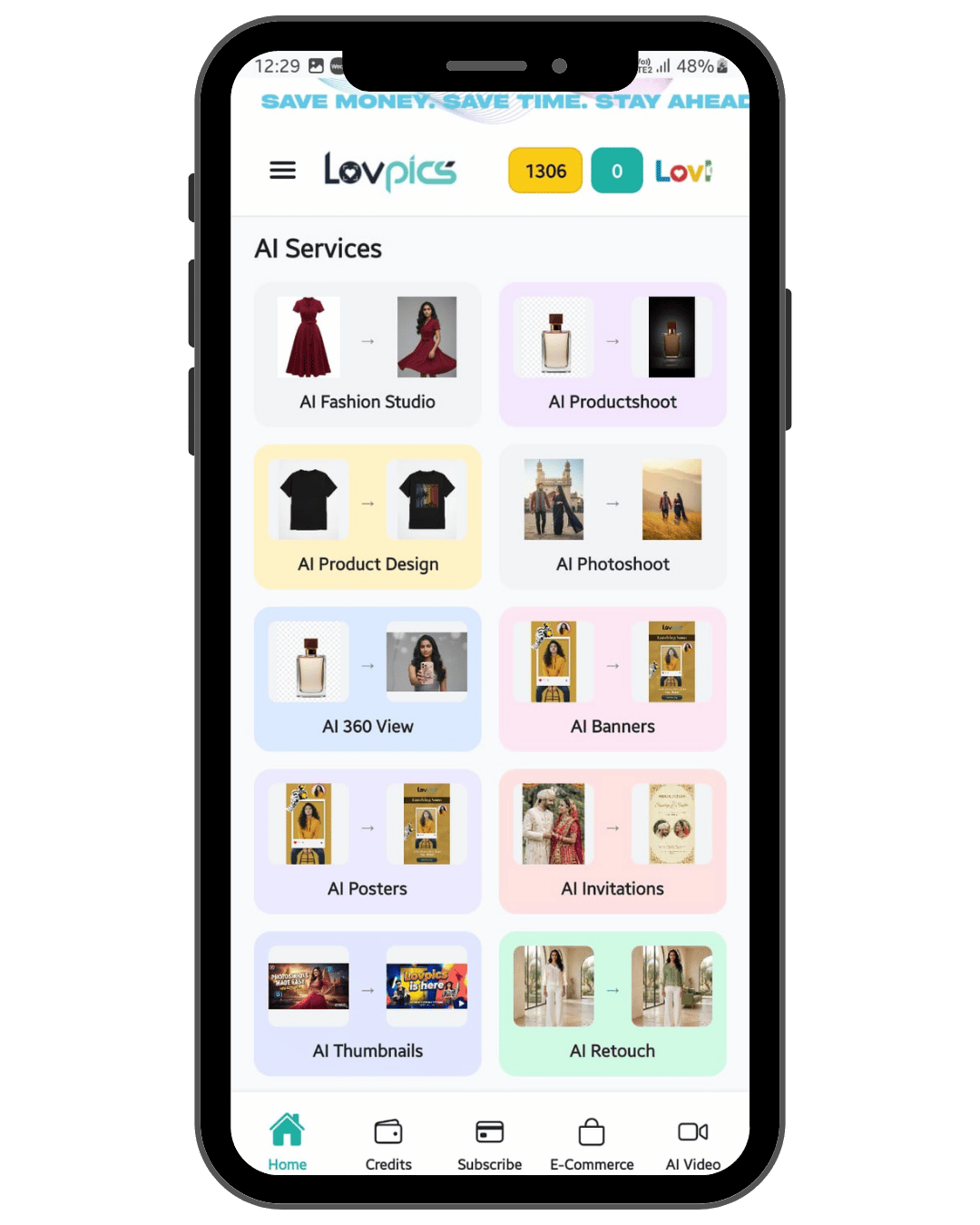
Upload your home shots to Lovpics to get a clean white-background main image, lifestyle scenes, on-model shots, and color or format variants — the parts that are hardest to nail at home.
How it works
- Set up near a window with a clean white backdrop.
- Shoot multiple angles and detail shots with your phone on a tripod.
- Upload the best shots to Lovpics.
- Generate white-background, lifestyle, and on-model versions.
- Export marketplace-ready images and publish to your store.
Traditional photoshoot vs Lovpics
| Option | Cost | Speed | Scalability | Best for |
|---|---|---|---|---|
| Traditional photoshoot | High | Slow | Limited | Premium campaigns, hero imagery |
| Freelance designer | Medium | Medium | Medium | Manual edits, small batches |
| Generic AI image tool | Low | Fast | Low control | One-off experiments |
| Lovpics | Lower vs studio | Fast | High | Ecommerce visual production at scale |
Lovpics use cases
- AI product photos and catalog sets
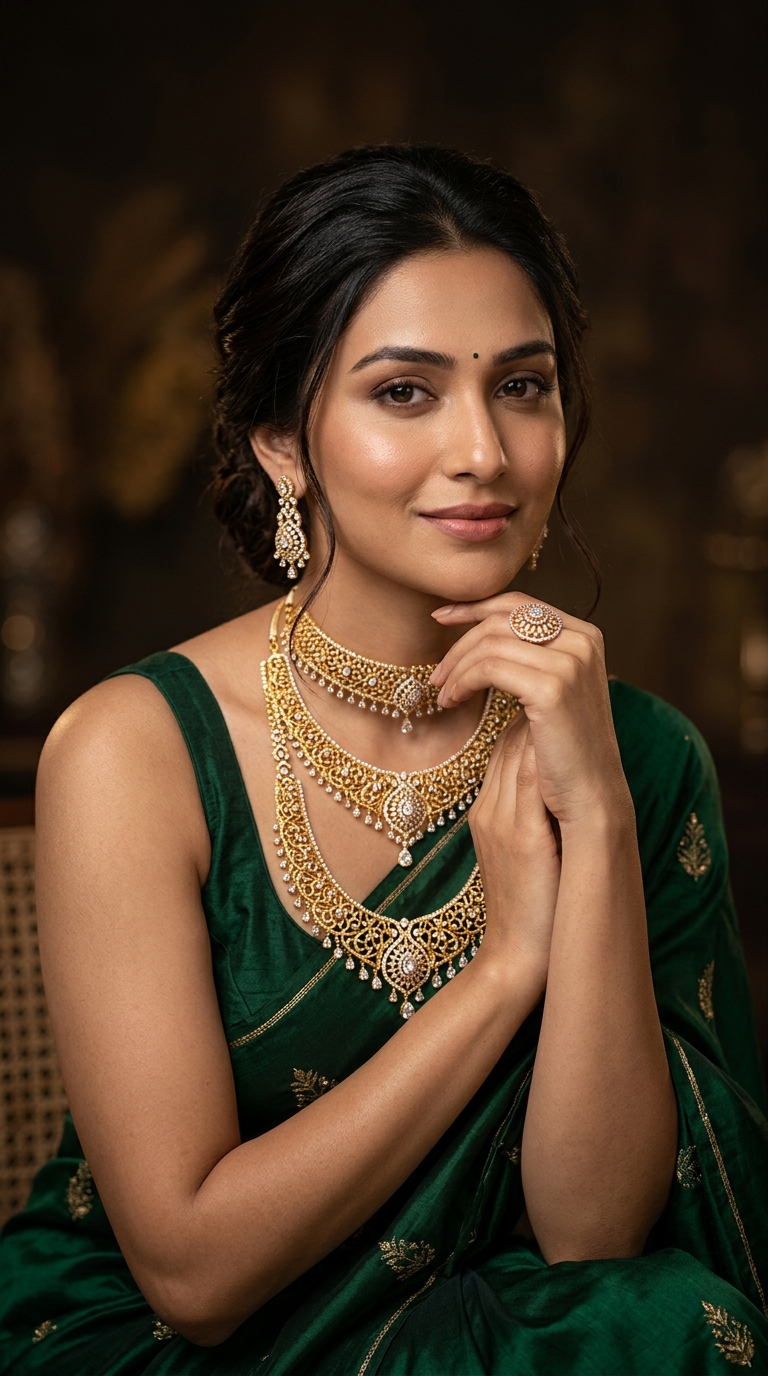
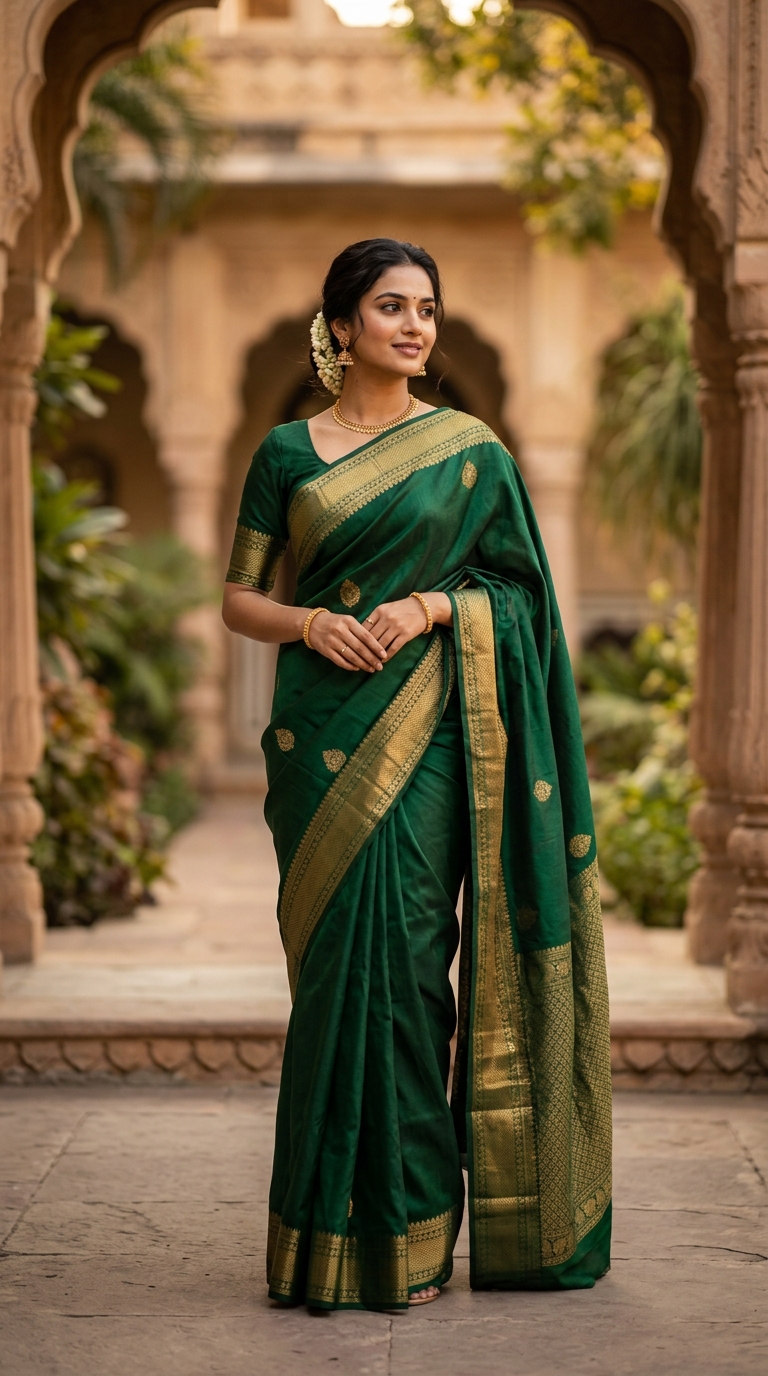
- AI fashion and on-model shots
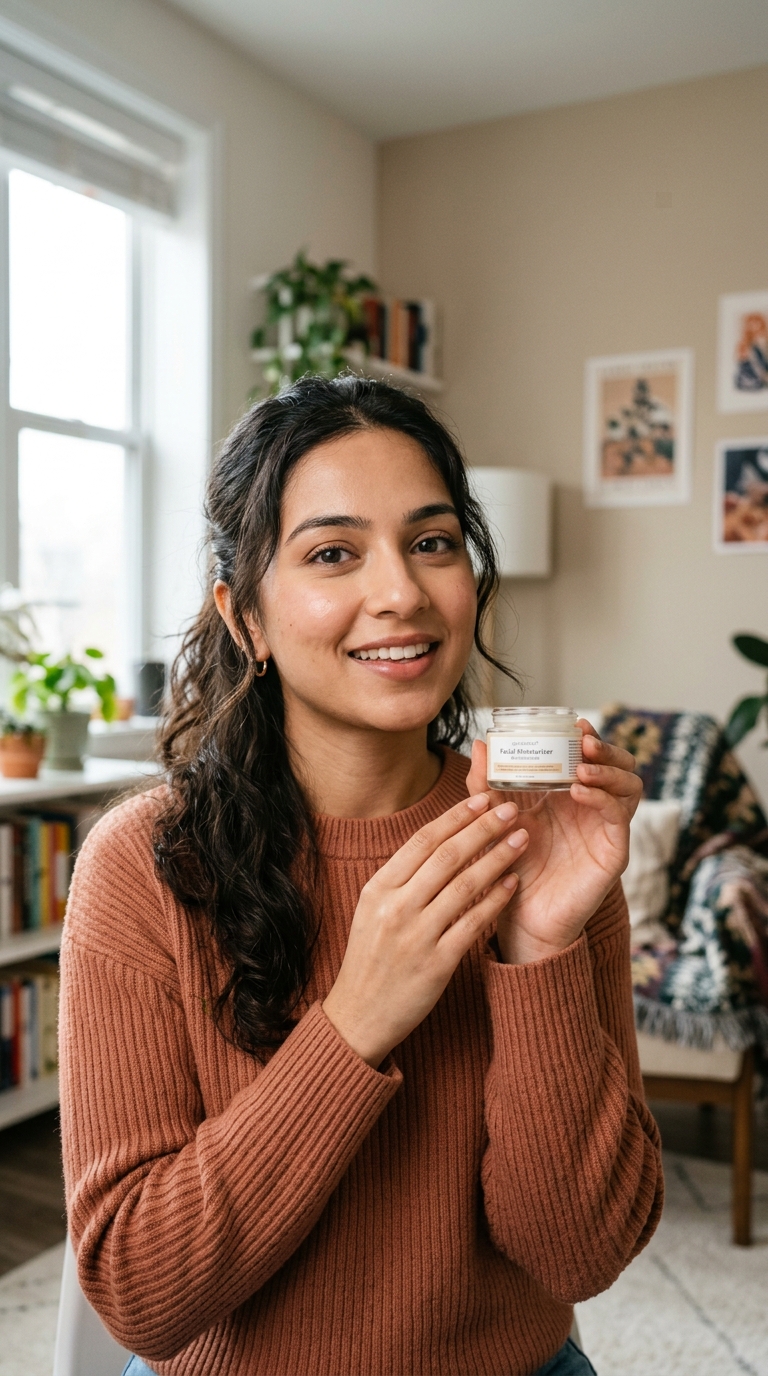
- Lifestyle and campaign visuals
- Banners, thumbnails, and ad creatives
- Retouching and background control
- 360° and marketplace-oriented exports
Related on Lovpics
- How to Create Product Photos Without a Photoshoot
- AI Product Shoot
- AI Retouch
- Best AI Product Photography Tools 2026
Frequently asked questions
How do I take good product photos at home?
Use soft natural light from a window, a clean white backdrop, and a phone on a tripod. Shoot multiple angles, then use AI to clean backgrounds and add lifestyle and on-model versions.
Do I need an expensive camera for product photos?
No. A modern smartphone is enough for the base shot. Good light and a clean backdrop matter more than the camera, and AI handles the polished final versions.
How do I get a perfect white background at home?
It's hard to get pure white manually. Capture a clean base shot, then use Lovpics to produce a marketplace-compliant pure white (RGB 255,255,255) background.
Can I make on-model photos without hiring a model?
Yes. Upload your garment or product shot to Lovpics and generate on-model images without booking a model or studio.
Create your first product visual with Lovpics
Upload a product photo and generate catalog-ready, campaign-ready visuals without booking a studio.